Field note / Edge Hardware Systems
Benchmarking Edge AI SBCs & Accelerators
Hardware benchmark comparing x86 SBCs, ARM CUDA Tensor Cores, and USB Edge TPUs for local vision, speech, and embedding inference.

Joshua HriskoPrincipal Engineer
Updated 9 min readSan Francisco, CA
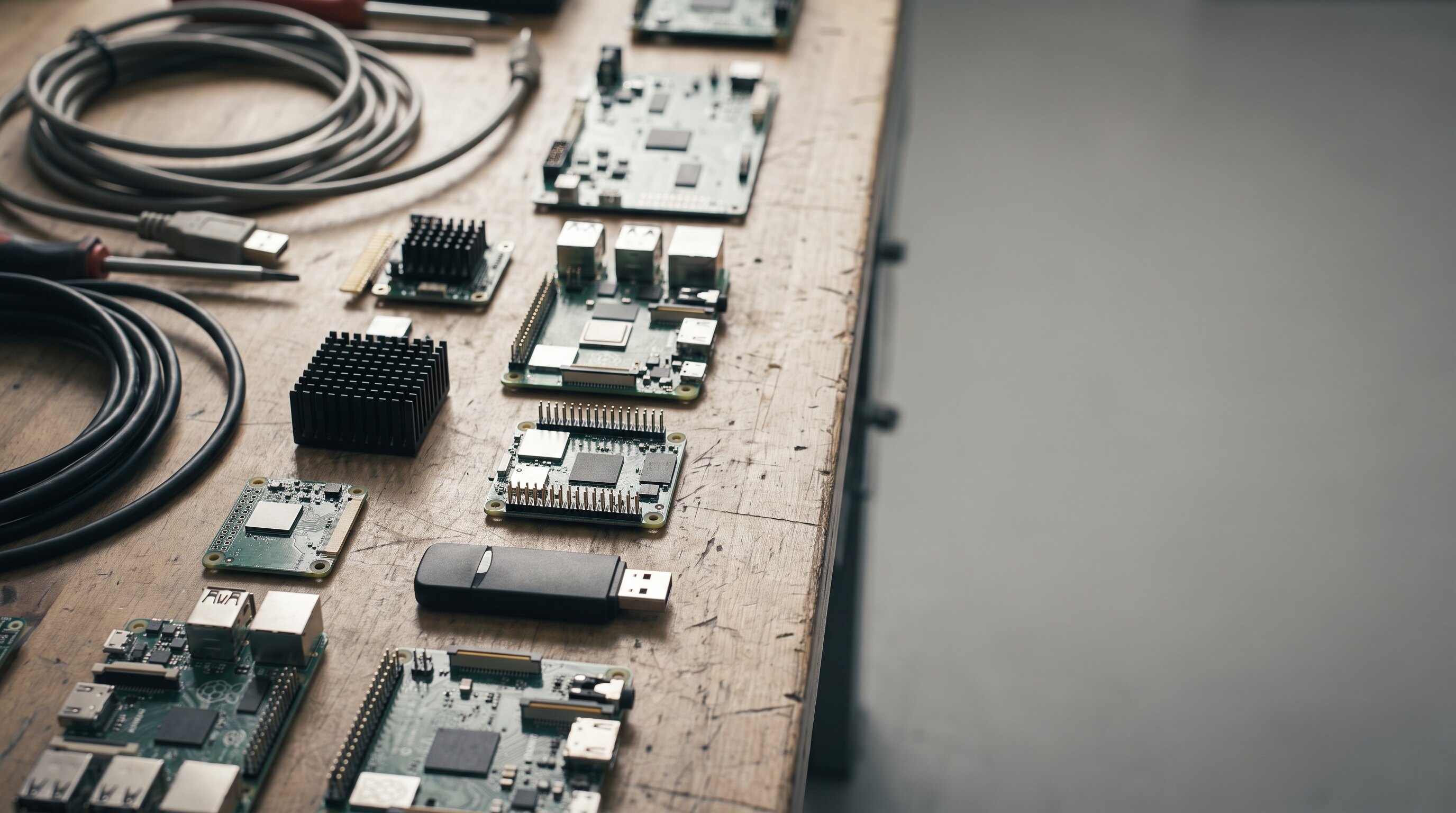
Choosing the right single-board computer (SBC) or hardware accelerator for edge AI deployments requires looking beyond marketing TFLOPS figures. A board that promises 67 TOPS can still stall if its memory bandwidth cannot supply tensor weights fast enough, while an x86 board with modest compute might be the only choice if your workload depends on legacy Linux binaries or x86 instruction sets.
We benchmarked three distinct hardware architectures for local AI workloads:
- x86_64 Single-Board Computer: DFRobot LattePanda 3 Delta (Intel Celeron N5105, 8GB LPDDR4x)
- ARM + CUDA Tensor Core NPU: NVIDIA Jetson Orin Nano Super (1024 CUDA cores, 67 INT8 TOPS, 68 GB/s LPDDR5)
- USB Edge Accelerator: Google Coral USB Accelerator (Edge TPU, 4 INT8 TOPS, 2.5W TDP)
Run your own custom workload configurations in our live interactive tool: Edge AI SBC & Hardware Accelerator Explorer →.
1. Architectural Differences: x86 vs ARM CUDA vs Edge TPU
| Spec / Dimension | LattePanda 3 Delta | NVIDIA Jetson Orin Nano | Google Coral USB TPU |
|---|---|---|---|
| CPU Architecture | x86_64 Quad-Core N5105 | 6-core ARM Cortex-A78AE | Host Dependent (USB 3.0) |
| NPU / Accelerator | Intel UHD Graphics (AVX2) | 1024-core Ampere + Tensor Cores | Dual-core Edge TPU |
| Peak AI Throughput | ~1.2 TFLOPS (OpenVINO) | 67 INT8 TOPS | 4.0 INT8 TOPS |
| Memory Bandwidth | 25.6 GB/s | 68.0 GB/s | ~0.48 GB/s (USB Bus Limit) |
| Thermal Power (TDP) | 12W TDP | 7W – 15W Adjustable | 2.5W Peak |
| Primary Advantage | Full x86 OS compatibility | Unmatched Parallel AI | Minimal Power Draw |
2. Benchmark Results: Latency & Throughput
We tested three workload patterns across all three hardware targets:
- YOLOv8 Small Object Detection (Vision): 12.5 GFLOPs, 22 MB model footprint.
- Whisper Small Speech Recognition (Audio): 48.0 GFLOPs, 244 MB model footprint.
- Local Vector Embeddings (SmolLM2 / All-MiniLM-L6-v2): 4.2 GFLOPs, 90 MB footprint.
| Workload | LattePanda 3 Delta | Jetson Orin Nano | Google Coral TPU |
|---|---|---|---|
| YOLOv8 Small | 48.2 ms (20.7 FPS) | 11.4 ms (87.7 FPS) | 14.2 ms (70.4 FPS) |
| Whisper Small | 215.0 ms (4.6 FPS) | 24.8 ms (40.3 FPS) | Unsupported (INT8 only) |
| Vector Embeddings | 34.1 ms (29.3 FPS) | 6.8 ms (147.0 FPS) | 28.5 ms (35.1 FPS) |
Key Takeaways:
- Jetson Orin Nano dominated parallel workloads (YOLOv8 & Whisper Small), leveraging its 68 GB/s LPDDR5 bus and Tensor Cores.
- LattePanda 3 Delta performed respectably on CPU-bound vector embedding workloads using Intel OpenVINO AVX2 vector optimizations, making it a great candidate for edge servers that require standard x86 Docker images and desktop Linux environments.
- Google Coral USB TPU demonstrated exceptional efficiency for 8-bit quantized vision models (14.2 ms latency at only 2.5W power draw), though it cannot run unquantized dynamic graphs or non-TFLite ops.
3. The Roofline Bottleneck Model
The primary bottleneck on edge hardware is rarely peak compute; it is memory bandwidth. The Roofline Model states that total execution latency is bounded by:
When deploying local models, measure whether your model is compute-bound or memory-bound before purchasing hardware. For models under 50 MB (like YOLOv8 or quantized sentence-transformers), USB accelerators like Coral TPU offer high ROI. For models exceeding 200 MB or requiring dynamic memory allocation, unified LPDDR5 systems like the Jetson Orin Nano are required.
Test your own batch sizes, precision levels (FP16 vs INT8), and TDP caps in the interactive simulator: Explore the Edge AI SBC & Accelerator Explorer →.
FAQ
Which single-board computer is best for running local AI models at the edge?
If you need raw parallel matrix performance for vision and LLMs, the NVIDIA Jetson Orin Nano Super (67 TOPS) is unmatched. If you need x86 Linux binary compatibility, desktop OS flexibility, or Windows IoT, the DFRobot LattePanda 3 Delta is superior. For ultra low-power (2.5W) INT8 vision on existing host devices, the Google Coral USB Accelerator is the most cost-effective.
Why does memory bandwidth limit edge NPU throughput more than peak TOPS?
Most edge neural networks are memory-bound. If a model requires reading 50 MB of weights per frame over a 5 GB/s bus, the system cannot exceed 100 FPS regardless of peak compute capability. Memory bandwidth (GB/s) governs latency.
Recommended Studio & Hardware Gear
Affiliate links support independent R&DTested studio equipment and reference hardware utilized for this build. Product images & pricing sourced from Amazon Creators API / SparkFun Electronics.
 $129.99Accelerator
Google Coral USB Edge TPU ML Accelerator coprocessor for Raspberry Pi and Other Embedded Single Board Computers
USB Edge TPU for int8 quantized nets — run the same quantized CoreML model sized here and see why int8 cuts RAM bandwidth but needs per-channel scales.
 $434.97SBC
NVIDIA Jetson Orin Nano Super Developer Kit
67 TOPS edge AI dev kit — benchmark int4 quantized models sized here and validate that CoreML quantized size math predicts actual flash/RAM usage on device.
 $383.99SBC
NVIDIA Jetson Nano Developer Kit (945-13450-0000-100)
Edge GPU where int8 quantized models from this calculator actually run — compare theoretical size saving vs measured latency drop on Jetson vs iPhone Neural Engine.
 $1109.99SBC
Yahboom Jetson Orin NX Super 16GB RAM 157 TOPS Dev Kit JetPack 6.2 256GB SSD
Orin NX 16GB — 100 TOPS unified LPDDR5, 14.5 GiB model ceiling, JetPack 6.2 + 256GB SSD included. Amazon verified — runs TensorRT-LLM for 4-12B Q4_K_M at 4k+ context.
Prices shown were retrieved from the Amazon Product Advertising API on 19 July 2026 and are indicative only — the price and availability on Amazon at the time of purchase apply.