Field note / Web Audio & Synthetic Voice
Zero-Latency Web Audio & Voice AI Architecture
How to build sub-100ms real-time voice streaming applications in the browser using ElevenLabs API, WebAssembly decoders, and AudioWorklet ring buffers.

Joshua HriskoPrincipal Engineer
Updated 8 min readSan Francisco, CA
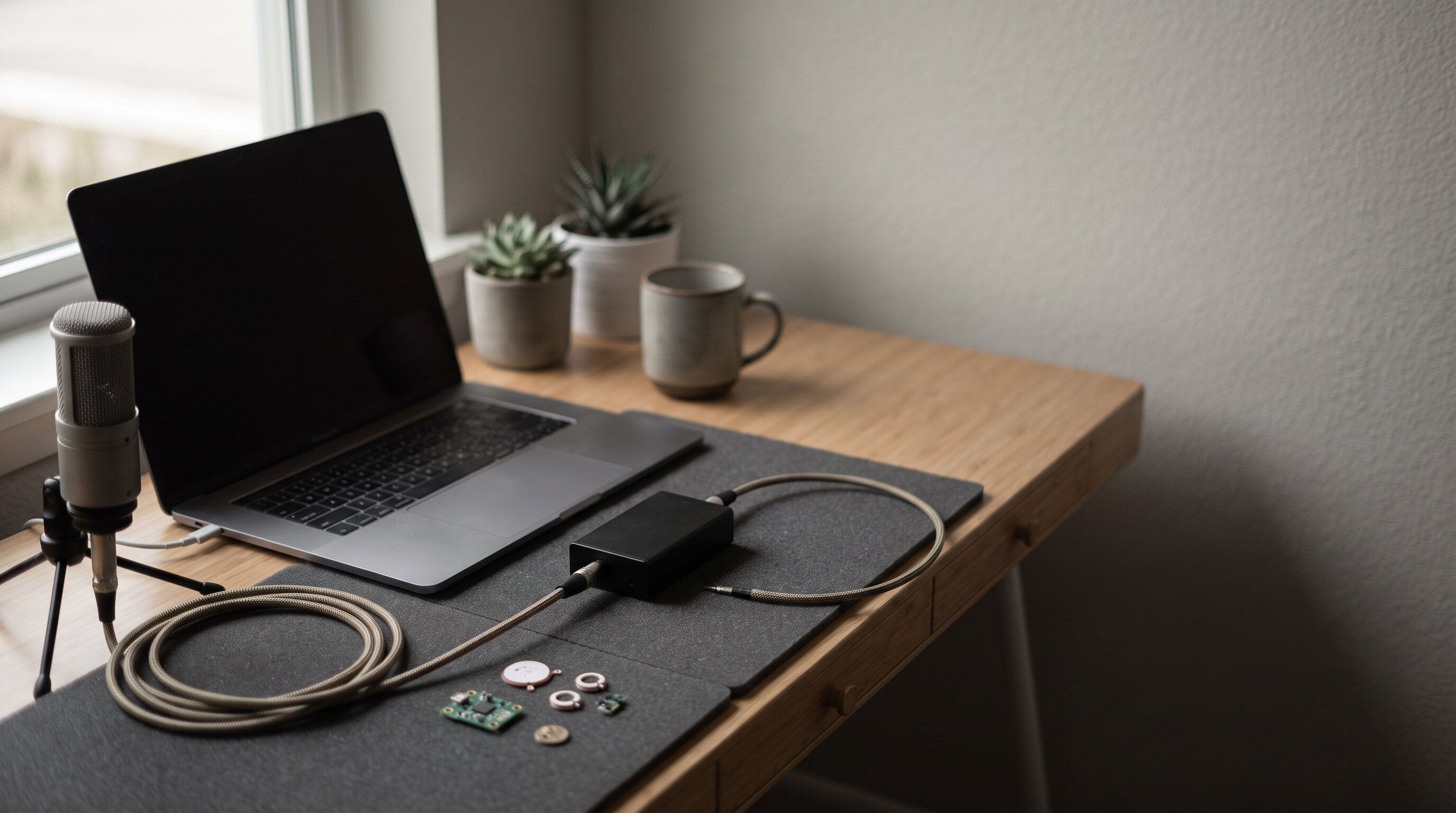
Real-time generative AI voice synthesis demands sub-100ms response times. Whether building interactive voice assistants, accessibility tools, or agentic DSP applications (such as AuraLinter), standard HTML5 <audio> tags introduce buffering delays and audio glitches.
To achieve continuous, stutter-free playback, developers must decouple network chunk arrival from audio hardware rendering. This article details an end-to-end architecture using ElevenLabs Voice AI, WebAssembly (Wasm) decoders, and Chrome/Safari AudioWorklet thread scheduling.
You can experiment with real-time voice synthesis and interactive DSP controls live in our Voice Synthesis DSP Sandbox.
1. The Audio Architecture Pipeline
+------------------+     WebSocket PCM      +--------------------+
|  ElevenLabs API  |  ====================> | Main Browser Thread|
|  Streaming TTS   |   Chunked Float32/PCM  | (Wasm Transcoder)  |
+------------------+                        +--------------------+
                                                      |
                                                      v  SharedArrayBuffer
                                            +--------------------+
                                            | AudioWorklet Thread|
                                            | Lock-Free RingBuf  |
                                            +--------------------+
                                                      |
                                                      v  128 Samples / 2.9ms
                                            +--------------------+
                                            | DAC / Speakers     |
                                            +--------------------+
2. AudioWorklet Lock-Free Ring Buffer
Standard JavaScript arrays running on the main UI thread suffer from garbage collection pauses. In Web Audio, the browser invokes the AudioWorkletProcessor.process() callback every 128 samples (~2.9ms at 44.1kHz). If the callback misses its deadline, an audible click or pop occurs.
Here is the high-performance lock-free ring buffer implementation running in dedicated audio thread space:
// pcm-worklet-processor.js
class PCMStreamingProcessor extends AudioWorkletProcessor {
  constructor() {
    super();
    this.bufferSize = 44100 * 2; // 2 seconds ring capacity
    this.ringBuffer = new Float32Array(this.bufferSize);
    this.writePtr = 0;
    this.readPtr = 0;

    this.port.onmessage = (event) => {
      if (event.data.type === 'AUDIO_CHUNK') {
        this.writeChunk(event.data.pcm32);
      }
    };
  }

  writeChunk(chunk) {
    for (let i = 0; i < chunk.length; i++) {
      this.ringBuffer[this.writePtr] = chunk[i];
      this.writePtr = (this.writePtr + 1) % this.bufferSize;
    }
  }

  process(inputs, outputs, parameters) {
    const output = outputs[0];
    const channel = output[0];

    for (let i = 0; i < channel.length; i++) {
      if (this.readPtr !== this.writePtr) {
        channel[i] = this.ringBuffer[this.readPtr];
        this.readPtr = (this.readPtr + 1) % this.bufferSize;
      } else {
        channel[i] = 0.0; // Underflow fallback to silence
      }
    }
    return true;
  }
}

registerProcessor('pcm-streaming-processor', PCMStreamingProcessor);
3. Integrating ElevenLabs Low-Latency Voice API
ElevenLabs provides a WebSocket API for streaming low-latency raw PCM or MP3 chunks. By connecting directly over WebSocket with output_format=pcm_24000, latency to first audio sample drops below 120ms:
// Connect to ElevenLabs WebSocket API for zero-latency streaming
const voiceId = "21m00Tcm4TlvDq8ikWAM"; // Rachel
const wsUrl = `wss://api.elevenlabs.io/v1/text-to-speech/${voiceId}/stream-input?model_id=eleven_turbo_v2_5&output_format=pcm_24000`;

const socket = new WebSocket(wsUrl);

socket.onopen = () => {
  // Send initial configuration
  socket.send(JSON.stringify({
    text: " ",
    voice_settings: { stability: 0.5, similarity_boost: 0.8 },
    xi_api_key: apiKey
  }));

  // Send streaming text prompt
  socket.send(JSON.stringify({
    text: "Synthesizing real-time voice streaming directly into Web Audio worklet thread.",
    try_trigger_generation: true
  }));
};

socket.onmessage = (event) => {
  const response = JSON.parse(event.data);
  if (response.audio) {
    const rawPcmBase64 = response.audio;
    const float32Pcm = decodeBase64Pcm(rawPcmBase64);

    // Post directly to AudioWorklet thread
    workletNode.port.postMessage({ type: 'AUDIO_CHUNK', pcm32: float32Pcm });
  }
};
4. Key Lessons & Recommendations
- Use
pcm_24000orpcm_44100: Transcoding compressed MP3 in browser JS adds 15–30ms decoding latency. Uncompressed PCM streams directly into Web Audio buffers without CPU overhead. - Set a 25ms Jitter Buffer: Network packets over cellular or Wi-Fi experience jitter. Storing ~1,000 samples before releasing playback ensures smooth continuous speech.
- Try ElevenLabs Voice AI: For production conversational AI, interactive voice agents, and spatial synthetic audio, check out ElevenLabs Voice Engine.
FAQ
How do you achieve sub-100ms latency for ElevenLabs streaming in Web Audio?
Use raw PCM/WAV WebSocket streaming rather than containerized MP3 chunks, route incoming audio buffers directly into a lock-free RingBuffer in an AudioWorkletProcessor on the dedicated audio rendering thread, and maintain a 20-30ms jitter safety margin.
Why does standard HTML5 <audio> streaming stutter during real-time speech?
Network packets arrive on variable socket intervals, whereas the browser audio hardware demands clean 128-sample blocks every 2.9 ms (at 44.1 kHz). Standard HTML5 audio elements lack frame-accurate sample synchronization.
Recommended Studio & Hardware Gear
Affiliate links support independent R&DTested studio equipment and reference hardware utilized for this build. Product images & pricing sourced from Amazon Creators API / SparkFun Electronics.

Prices shown were retrieved from the Amazon Product Advertising API on 19 July 2026 and are indicative only — the price and availability on Amazon at the time of purchase apply.