
Articulance
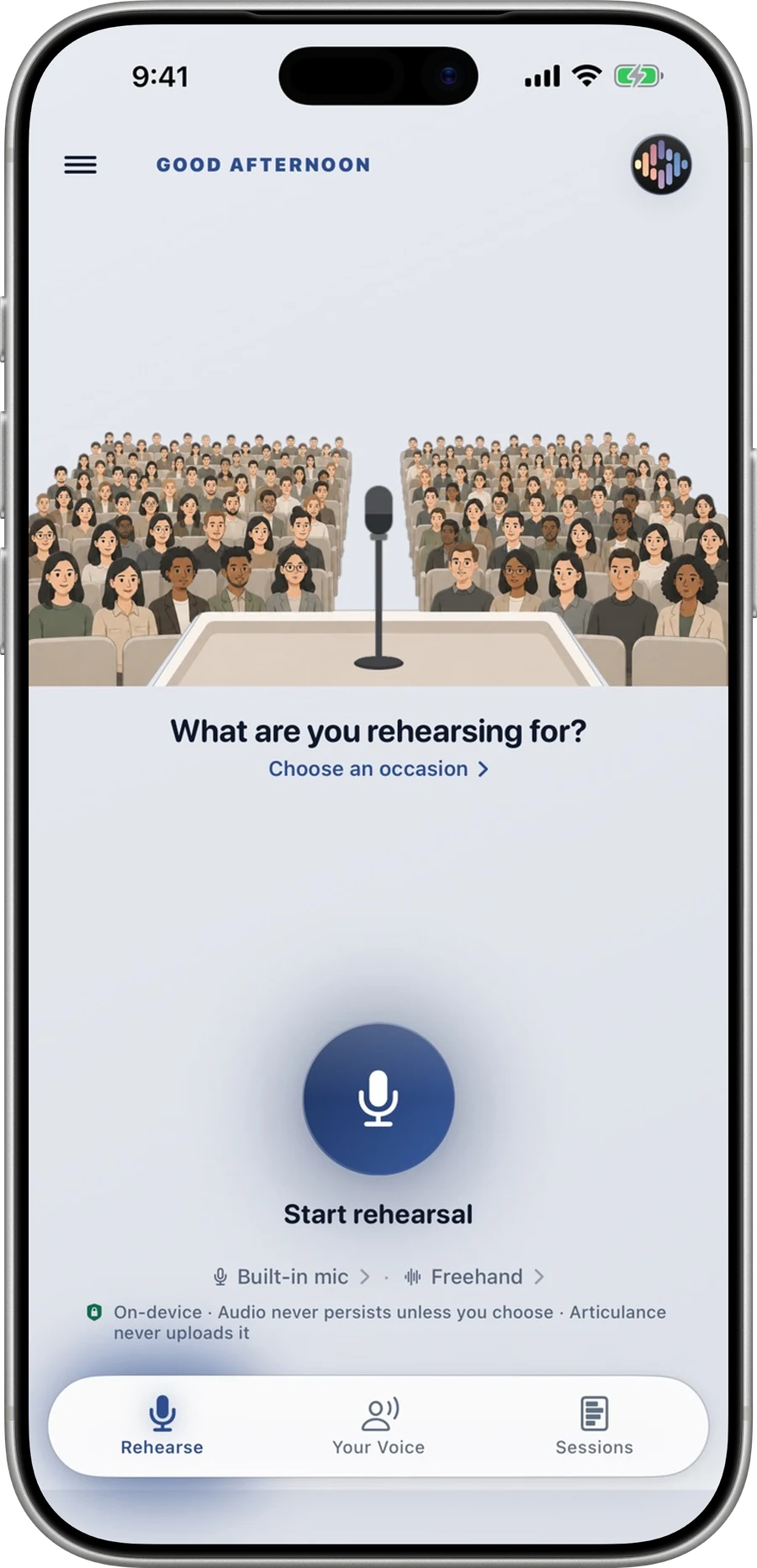
On-device executive presence coach
iOS (iPhone + iPad)Open
App Store · $6.99Hand-built browser instruments for DSP, acoustics, physics and edge-AI math — computed in your browser — and on-device iOS & iPadOS apps built with CoreML, Metal and the ANE. One engineer, San Francisco.


 +6
+6Live wind tunnel · wind … · lattice-Boltzmann · Re … · step 0Open the tunnel →
Studio principles: on-device first, no committee software, useful on day one, craft over clutter, and one release at a time.
01Apps · 12 studio apps, 11 on the App Store
Explore the real app screens, platforms and App Store prices. Open an app to see its tools, hardware requirements and privacy details.
A closer look at the apps. Swipe to explore, or open a screenshot.
On-device executive presence coach
Agentic DSP Orchestrator
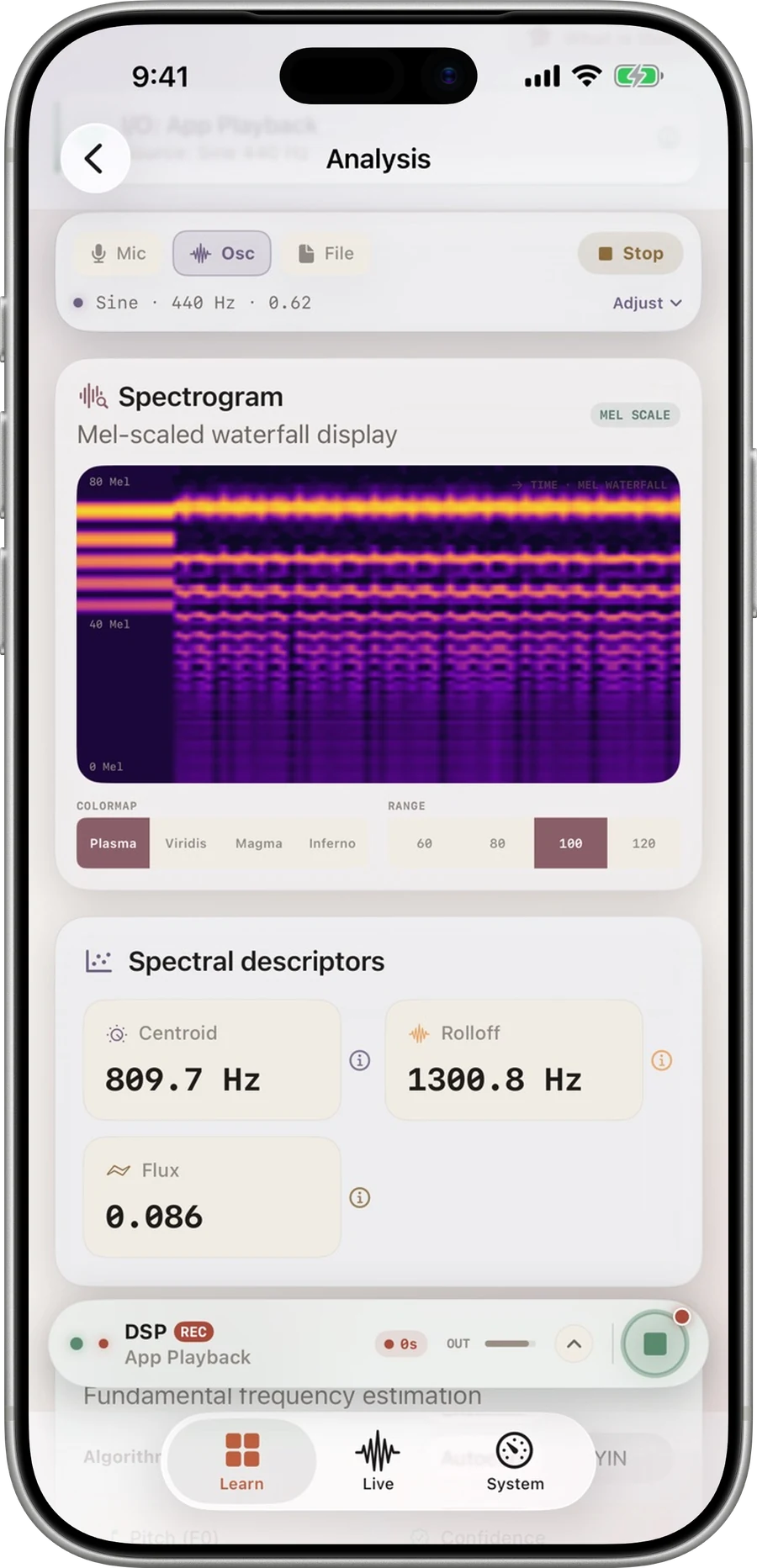
Local Neural DSP & Sound Laboratory

AI-powered speed-texting battleground
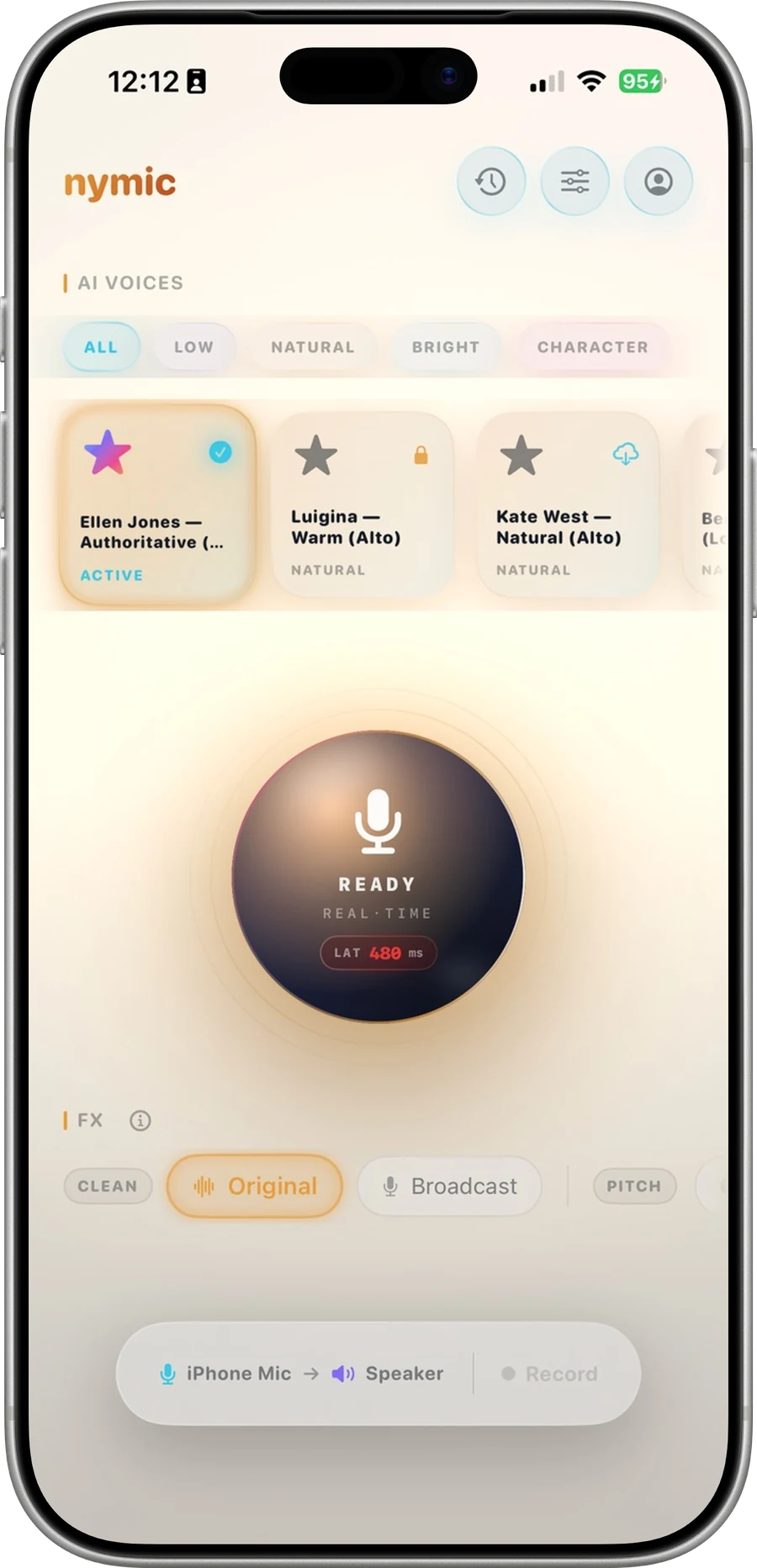
Real-time identity-shifting vocal engine
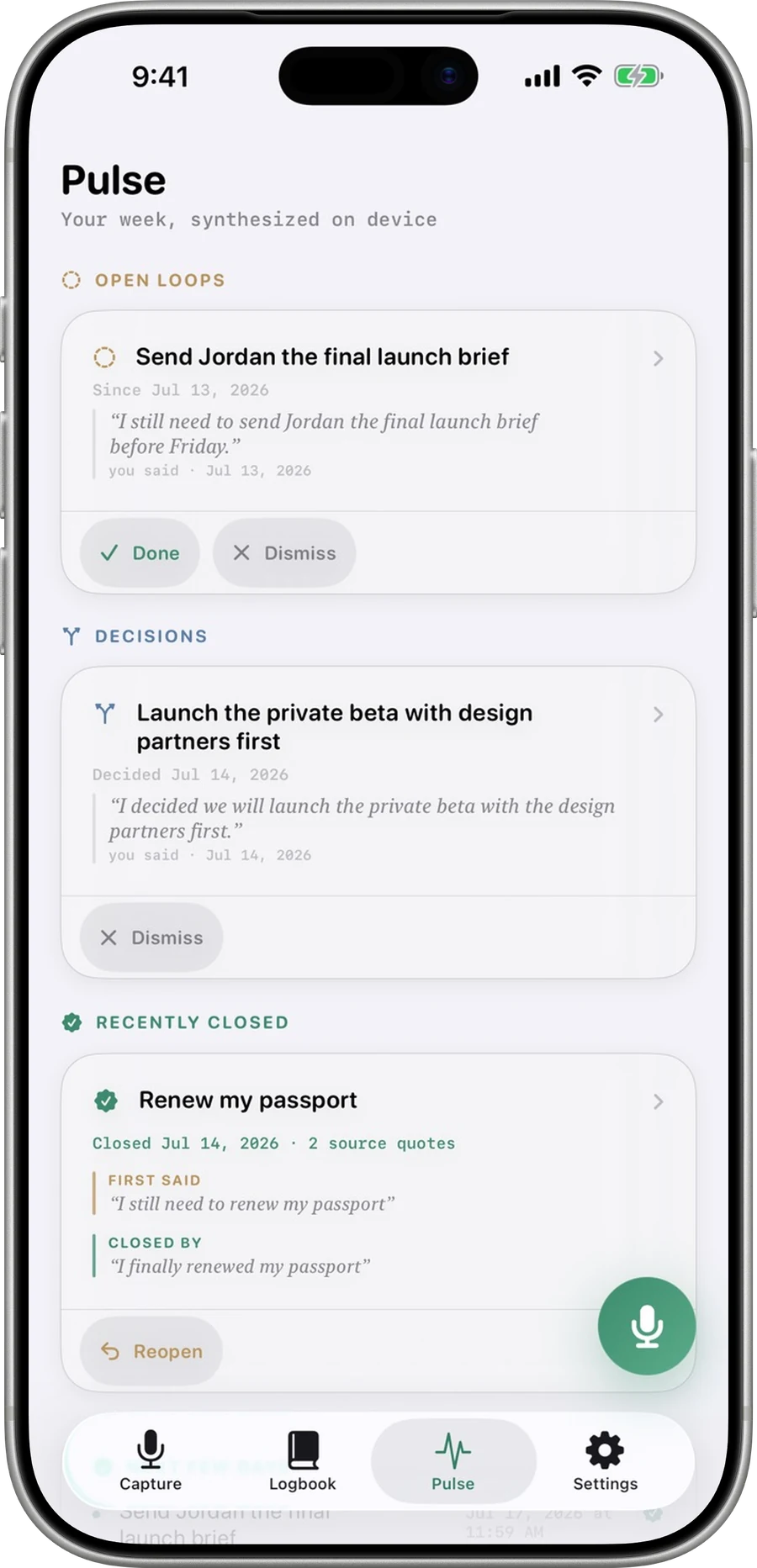
A private open loops ledger for your spoken word
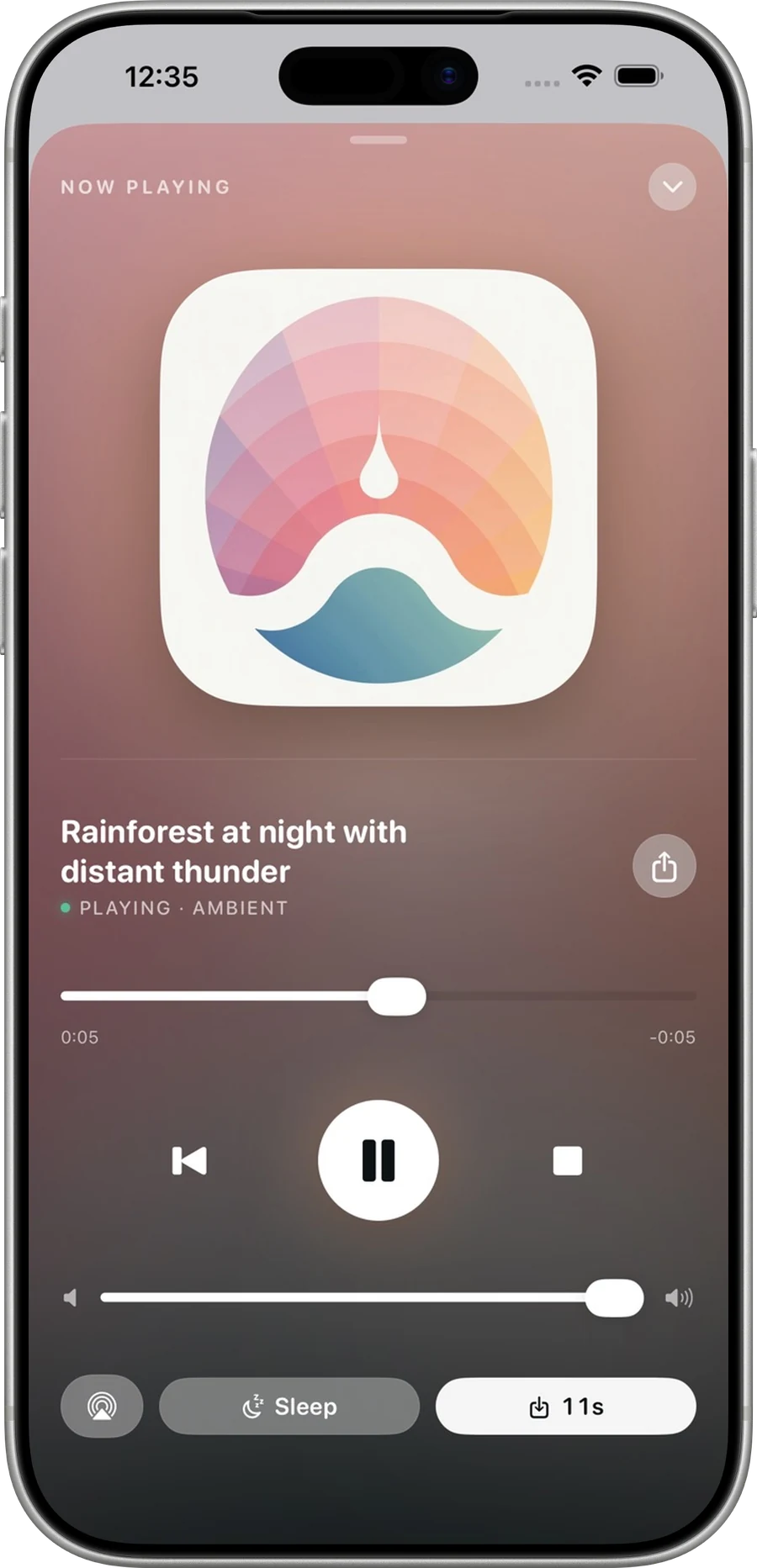

Generative audio engine for ANE
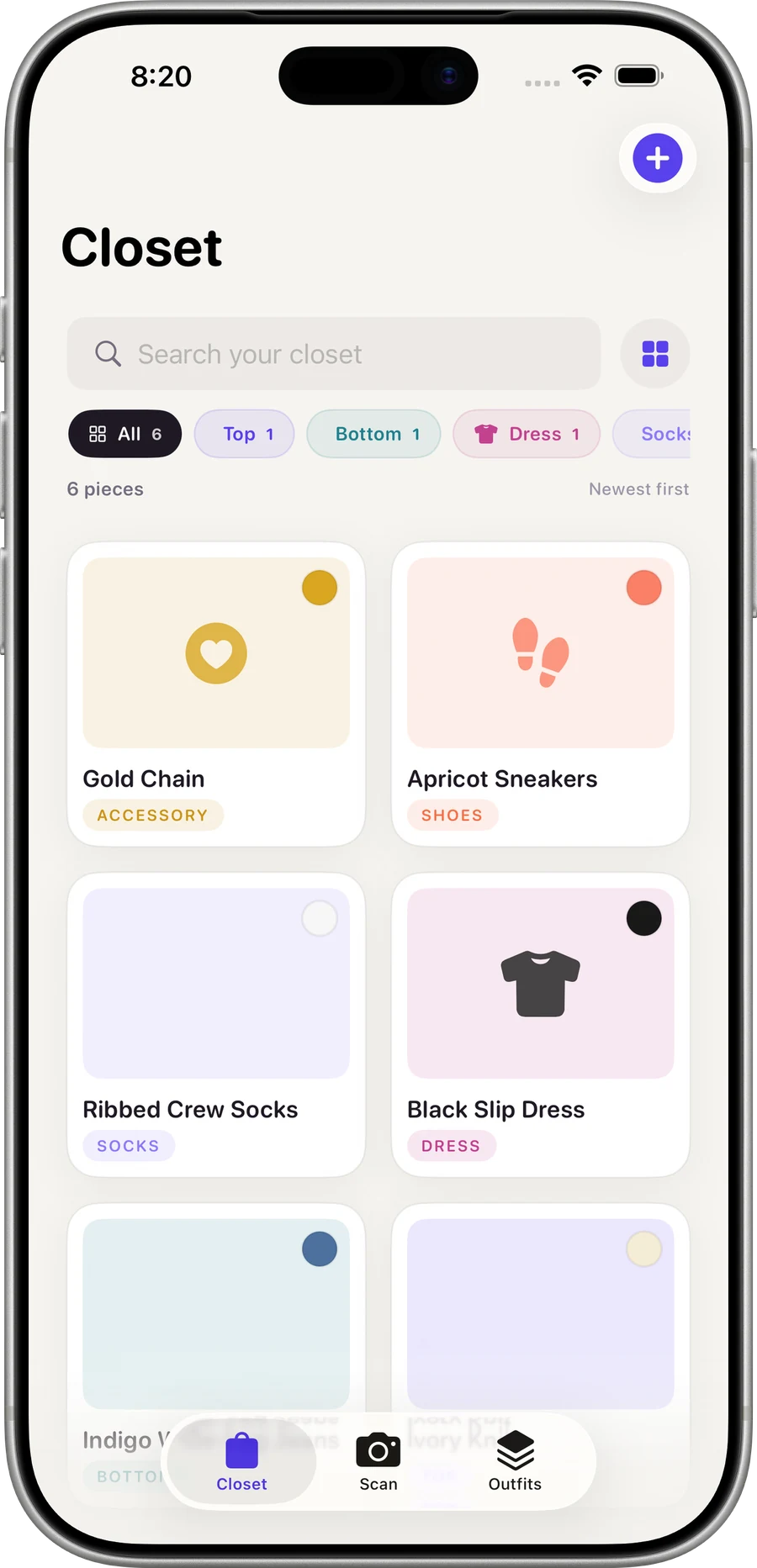

Intelligent wardrobe indexing & capsule design
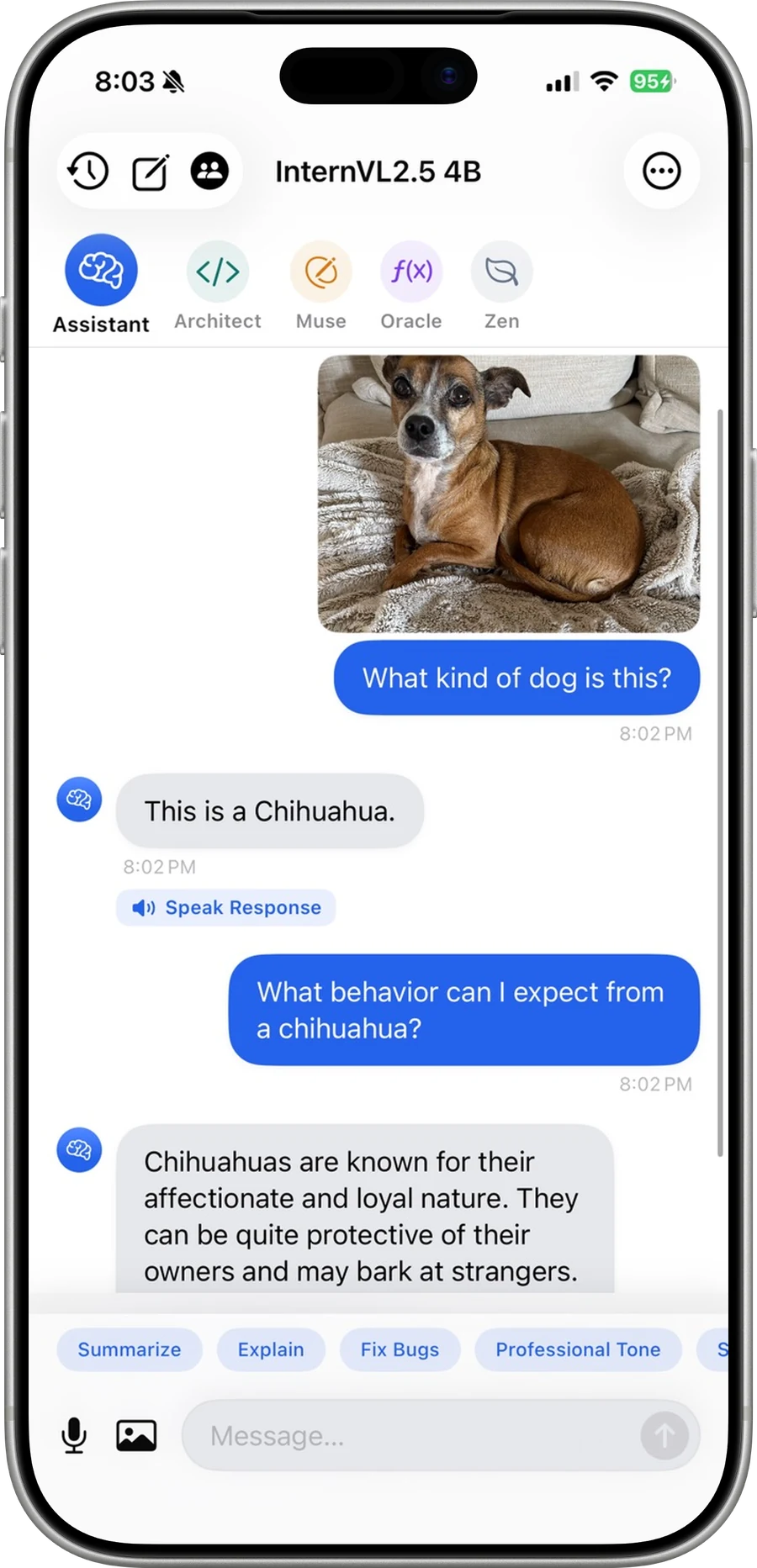

On-device LLM with Metal acceleration


AI word game — Spell Bound + Lexify + Crossword Dash
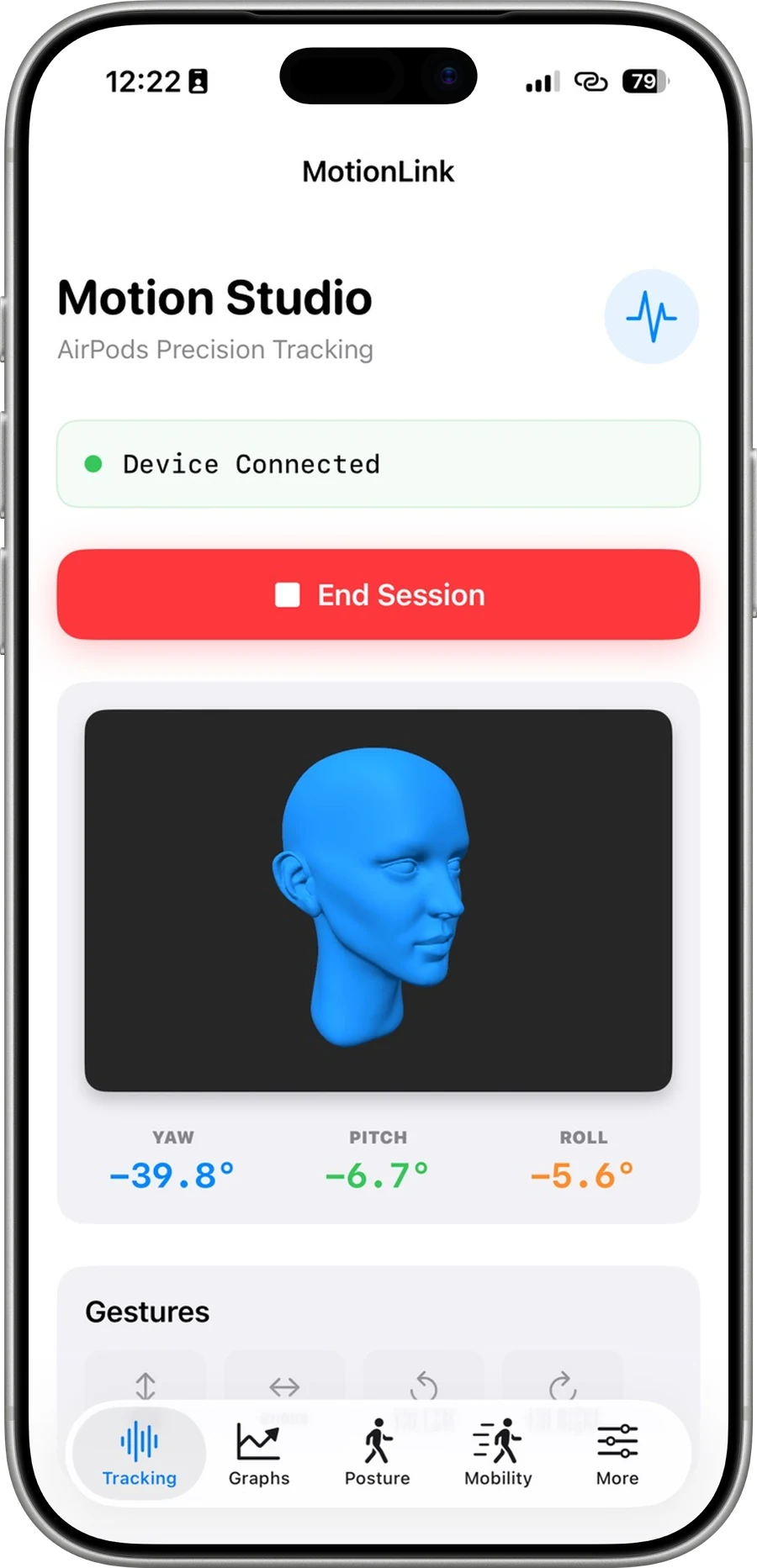

Headphone Motion API + Spatial Audio
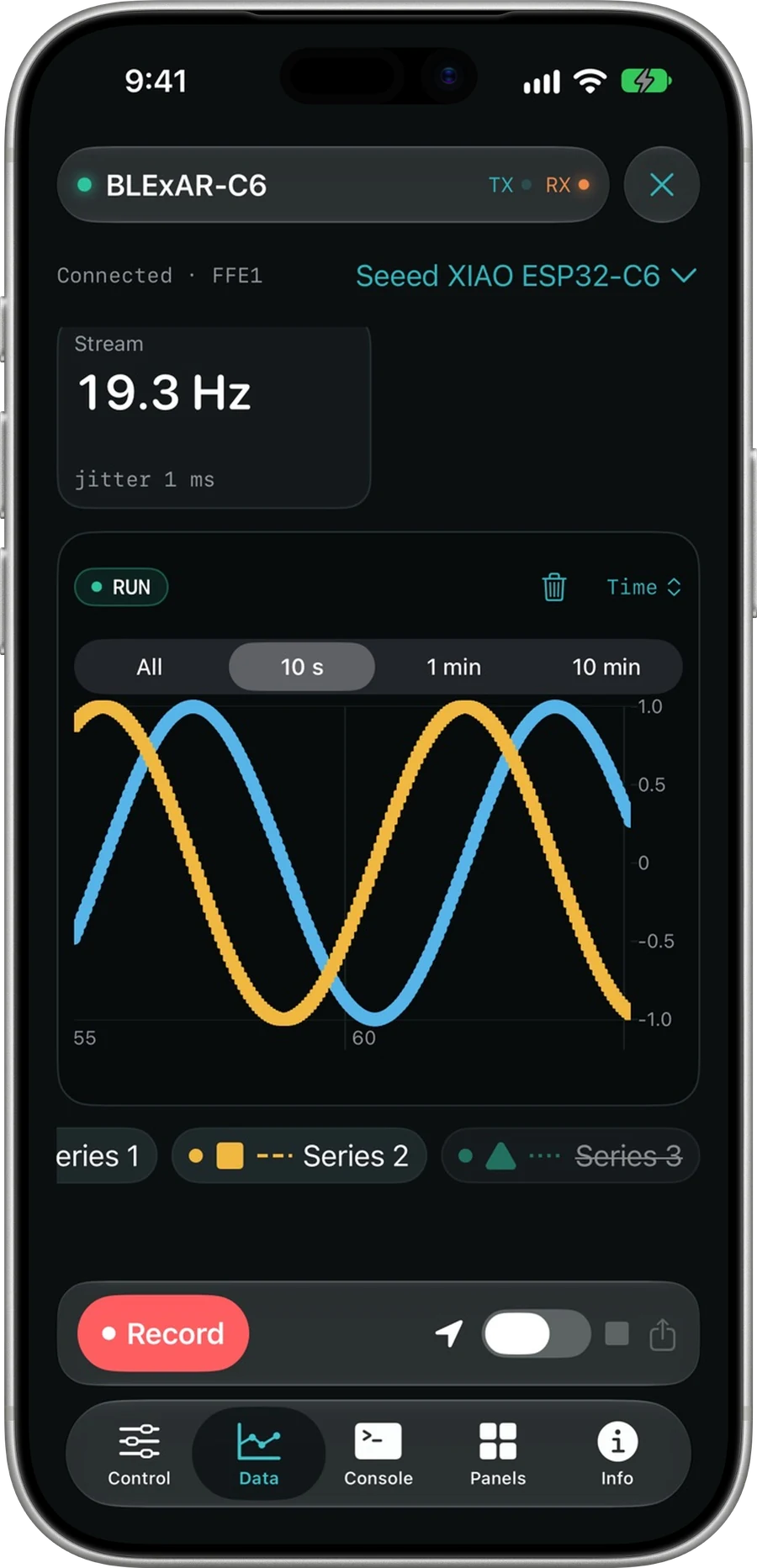

BLE Arduino control — HM-10, nRF52, CSV export
App Store prices are as Apple reported them on 18 September 2026 and are indicative only — the price shown on the App Store at the time of purchase applies.
02Lab · 49 browser instruments
Watch a curve rebuilt from its Fourier epicycles, probe a biquad's magnitude response, settle a Chladni plate into its nodal field, and stem a room's axial modes — all computed live in the browser. Models, methods, and limitations are disclosed.
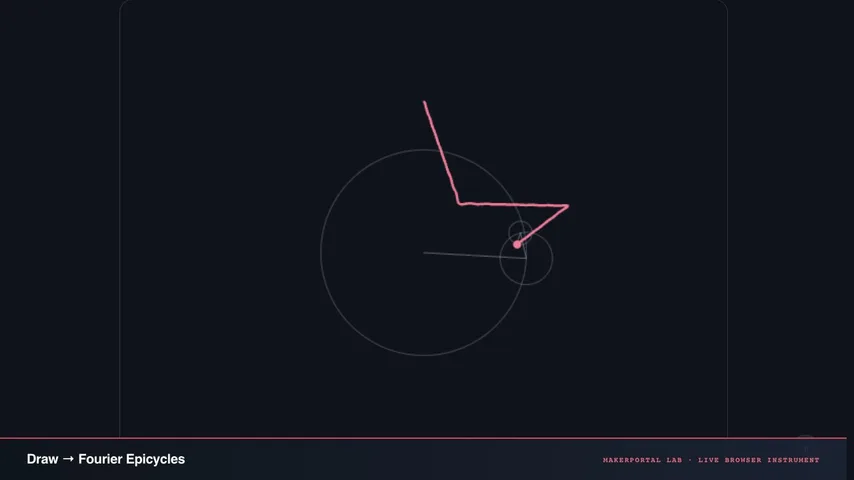
Any shape, decomposed into spinning circles
Draw anything. It gets decomposed into rotating circles (a discrete Fourier series) that trace your exact path — the same frequency-domain math behind spectral analysis, applied to a 2D drawing instead of an audio signal.
Live tile · Live: the DFT of the instrument’s star preset, reconstructed as chained epicycles. The slider varies M, the number of circles drawn.
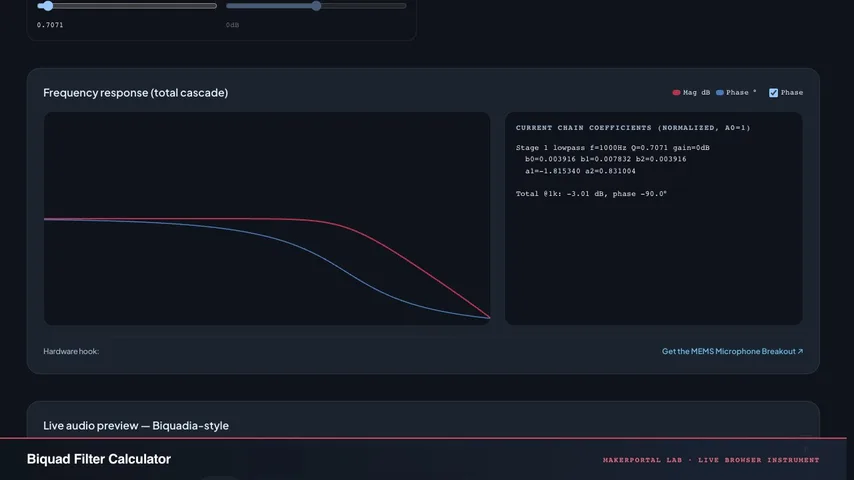
Hear a cascade, not just see a curve
A multi-stage biquad chain with a live Web Audio preview on real audio, plus the Direct Form II Transposed code running in Biquadia’s DSP core.
Live tile · Live: a peaking biquad magnitude curve (RBJ cookbook, Fs 48 kHz, Q 1.0) with a probe sweeping the solver’s response. The sliders vary f0 and gain.
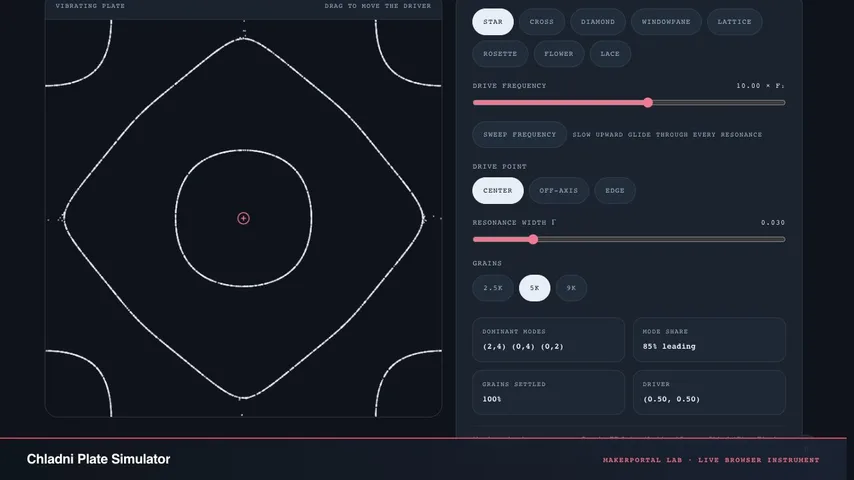
Sound made visible — standing wave sand patterns
Thousands of sand grains flee the vibrating regions of a driven plate and settle along its nodal lines. Sweep the frequency through real modal resonances, drag the driver anywhere on the plate, and watch classic Chladni figures assemble live.
Live tile · Live: the kept modal superposition for the drive frequency, painted as the plate’s nodal field. The slider varies f in f1 units (centre drive, γ 0.03).
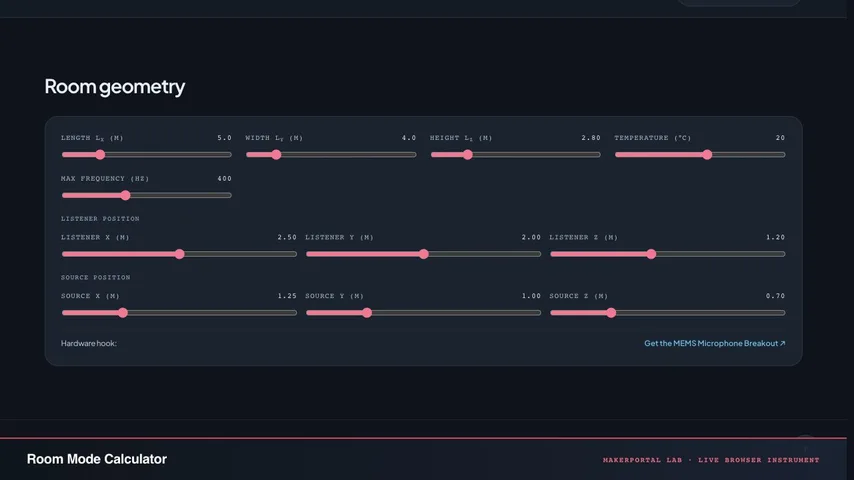
Where bass piles up and why your room lies
Rectangular eigenfrequencies, axial/tangential sorting, Schroeder frequency, pressure anti-nodes. Modal density collapses below Schroeder — you hear the room, not the speaker.
Live tile · Live: rectangular eigenfrequencies to 300 Hz for an L × 5.2 × 2.8 m room, stemmed by axial / tangential / oblique. The slider varies the length L.
03Builds · measured, with the recordings
Two measured builds, told as you scroll: the real photographs and app screens, the real tables, and the A/B recordings to check it yourself.
Build 01 · Acoustic beamforming
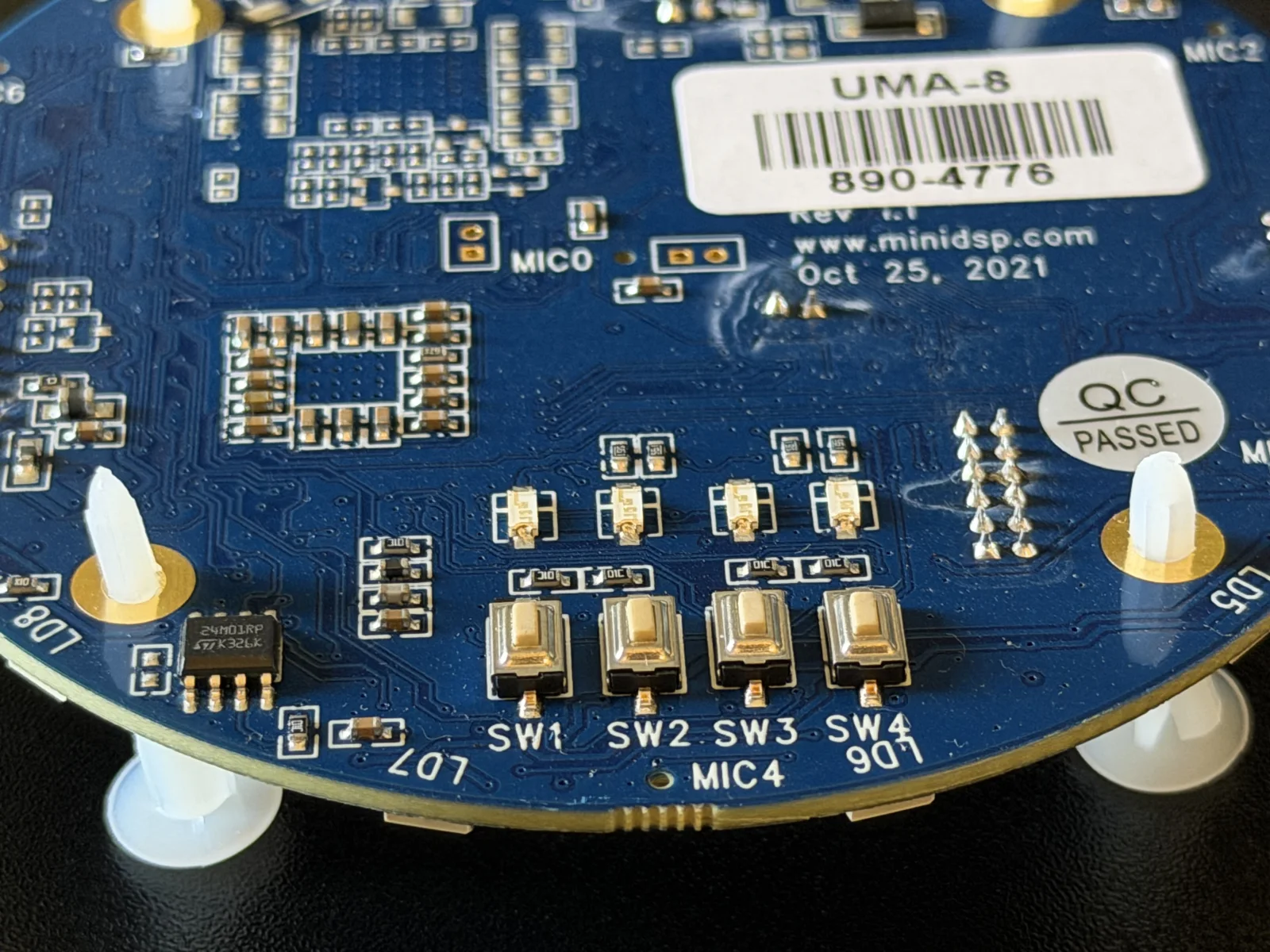
Seven MEMS capsules — one centre, six on a 44 mm ring — a miniDSP UMA-8, and Biquadia's Beam Focus lab. The recorded pair rejects an off-axis talker by at least 13 dB at 2 kHz and 15 dB at 4 kHz — and by only 1.2 dB if you meter it broadband.
The UMA-8 v2 carries seven MEMS capsules — one centre, six on a ring — behind an XMOS USB interface. In raw firmware it enumerates as micArray RAW SPK: eight discrete channels at 48 kHz, seven populated, channel 8 unpopulated and correctly silent.
miniDSP's datasheet publishes only the 90 mm overall board diameter, so the ring was measured by hand: the six outer mics sit on a 44 mm radius around the centre capsule. That radius — not the board size — is the aperture that sets every physics limit below.
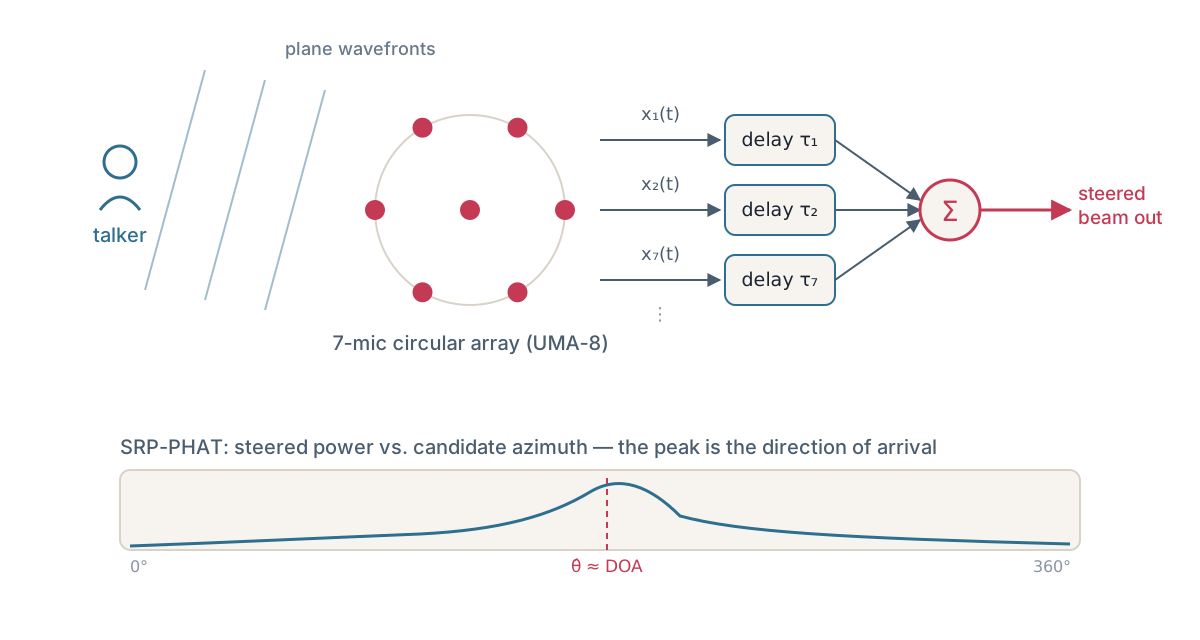
A wavefront from the side reaches the nearest microphone a fraction of a millisecond before the farthest. Across the 88 mm aperture that maximum arrival-time difference is only ~256 µs — but it is measurable, and it is enough to build an acoustic camera.
SRP-PHAT cross-correlates every mic pair in the frequency domain with the magnitudes whitened away, so only phase survives. Biquadia scans a 5° coarse grid, refines to 0.25° around the best peaks, and integrates over ~170 ms across all 21 mic pairs. Steering then delays each mic so the look direction lines up sample-perfectly, and sums — the hundred-year-old delay-and-sum.
The UMA-8 is bus-powered, and on a bare iPhone USB-C port it enumerates intermittently or drops off entirely — a powered USB-C hub fixes it completely. The raw MEMS capsules put out roughly −26 dBFS at a loud 94 dB SPL with no hardware preamp, and iOS provides no way to set gain on a USB input, so Beam Focus adds +30 dB of software input gain at the capture entry point.
Biquadia's default geometry preset is exactly this array: seven mics, centre at the origin, six on the 44 mm ring, channels mapped 0–6 in board order.
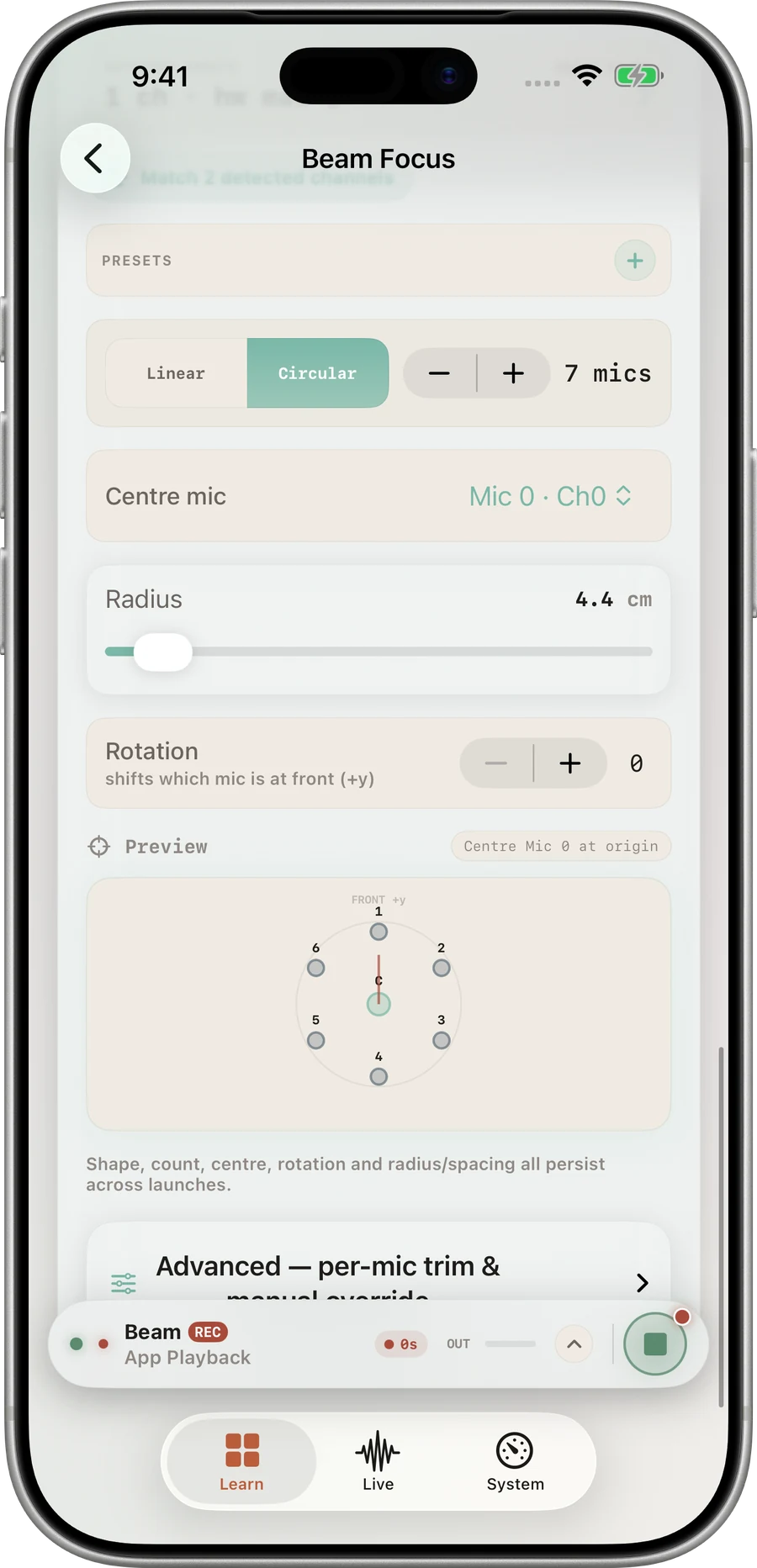
The estimator publishes about six estimates per second; an exponential smoother tightens or loosens with confidence, and below a confidence of 0.10 the needle freezes rather than wanders. On the real hardware, the needle tracked a talker all the way around the ring at every angle we tried.
One non-obvious fact: PHAT weighting is level-invariant. Cranking the input gain makes the meters and the beam louder but does not change DOA confidence at all — only a closer, louder source relative to the room does. Across the recorded walk-around the confidence readout held between 0.59 and 0.74, including through the rear wrap where a linear array cannot tell front from back at all. The original run’s track, preserved in the full note, shows the azimuth estimate stepping from front around through −90° and back up past +90° to front again over about 45 seconds, with confidence-weighted dwell-time bars per direction on the right.
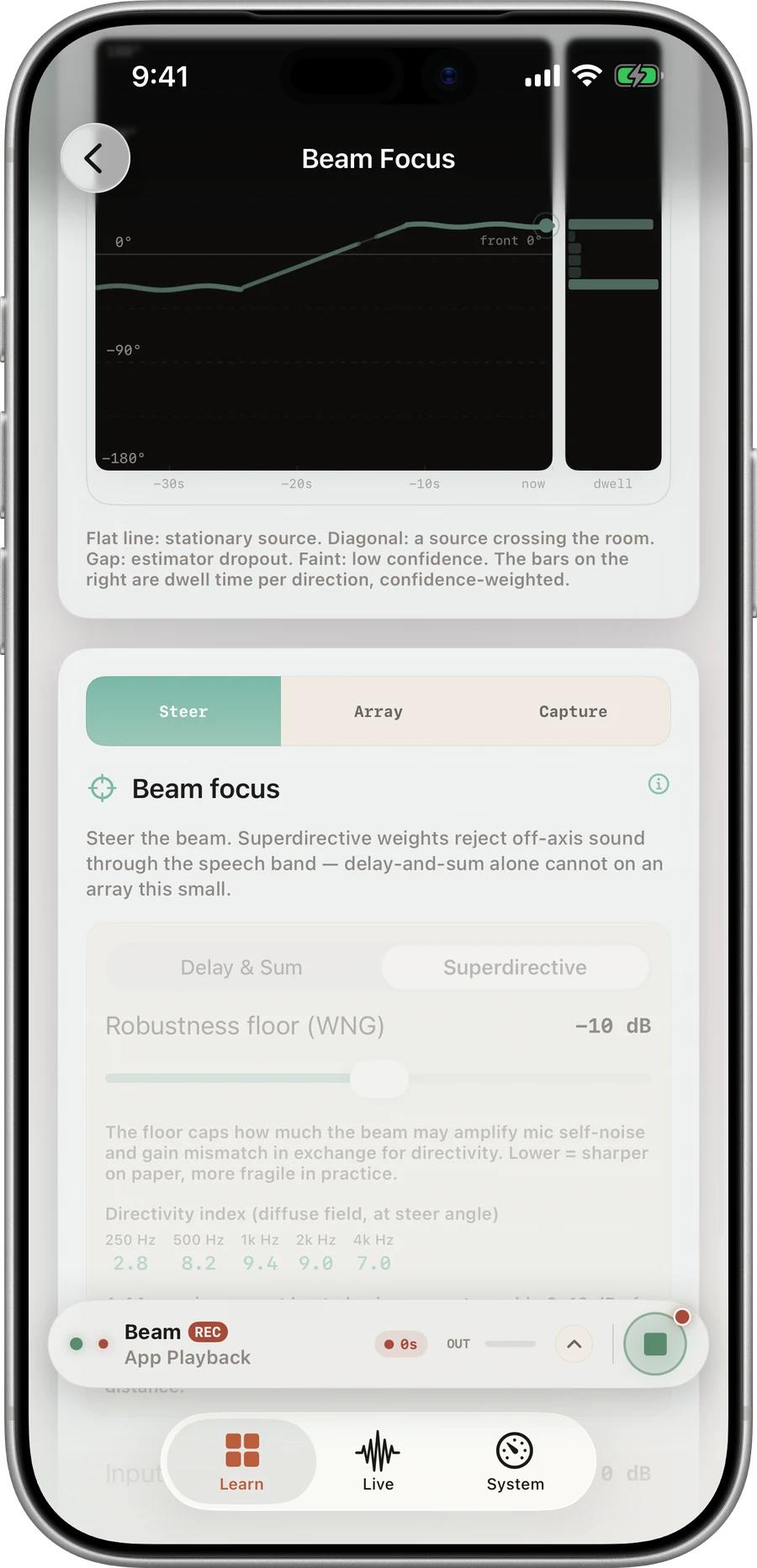
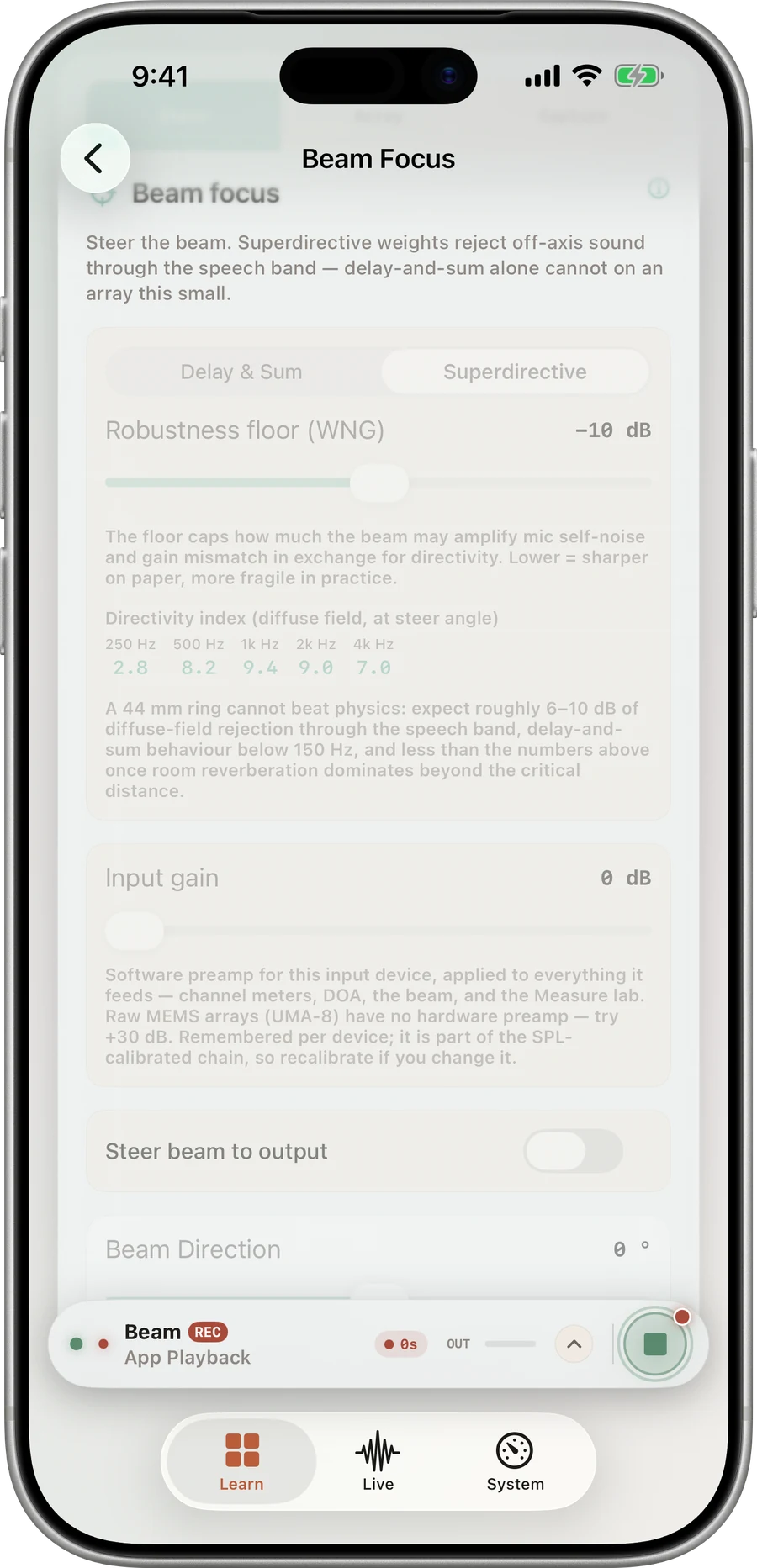
Delay-and-sum barely works at speech frequencies on an array this small: the wavelength at 500 Hz is 69 cm, fifteen times the array radius. Superdirective mode solves the MVDR problem against a modelled diffuse field instead. On a small array the unconstrained solution at 500 Hz would boost microphone self-noise by 34 dB — unusable on real hardware — so a white-noise-gain constraint (default floor −10 dB) caps how much self-noise and mismatch the design may amplify. The design is realised as 513-tap linear-phase FIRs per mic, and below 150 Hz it blends back to pure delay-and-sum.
| Design | 250 Hz | 500 Hz | 1 kHz | 2 kHz | 4 kHz |
|---|---|---|---|---|---|
| Delay & Sum (44 mm ring) | 0.1 | 0.5 | 1.9 | 5.6 | 8.7 |
| Superdirective (WNG floor −10 dB) | 6.4 | 7.8 | 10.3 | 10.8 | 8.8 |
The app's own footer states the limit: a 44 mm ring cannot beat physics — expect roughly 6–10 dB of diffuse-field rejection through the speech band, delay-and-sum behaviour below 150 Hz, and less once room reverberation dominates beyond the critical distance.
Both takes were recorded in Superdirective mode with the beam fixed at 0°, and the same +21 dB of playback gain is applied to both — the raw captures peak near −24 dBFS on-axis (−30.3 off-axis) and are close to inaudible on laptop speakers. The difference you hear is the one the beamformer produced, not one introduced here. The raw WAVs are linked under each player if you would rather meter them than trust the recording.
On-axis (0°, high SNR)
Target talker aligned with the steered beam.
raw: −24.5 dBFS peak · −40.0 dBFS speech RMS · WAV
Off-axis (−90°, attenuated)
Off-axis talker rejected by superdirective MVDR beamforming.
raw: −30.3 dBFS peak · −41.2 dBFS speech RMS · WAV
Meter the two raw WAVs broadband and you get 1.2 dB of difference — the answer to a different question. Split them into octave bands, subtract the noise power from the speech-active power in each, and the beam reappears:
| Octave band | On-axis SNR | Off-axis SNR | Rejection at −90° |
|---|---|---|---|
| 250 Hz | 6.2 dB | 5.6 dB | 1.9 – 2.6 dB |
| 500 Hz | 6.2 dB | 5.0 dB | 0.7 – 1.4 dB |
| 1 kHz | 7.7 dB | 3.6 dB | not resolvable (−1.4 to +2.8 dB) |
| 2 kHz | 16.8 dB | 1.8 dB | ≥ 13 dB floor-limited |
| 4 kHz | 21.3 dB | 1.5 dB | ≥ 15 dB floor-limited |
The upper two bands are quoted as lower bounds: off-axis they sit under 2 dB above the noise floor, so the rejection is at least that large and the floor prevents us saying how much larger. The low bands double as an internal control — 250 and 500 Hz match within about 2 dB while 2 and 4 kHz collapse, which is a beam pattern, not a level change. Directivity index is a diffuse-field average; this table is rejection at one direction, where the beam can have a genuine null, which is why the two are allowed to differ.
Build 02 · Binaural measurement
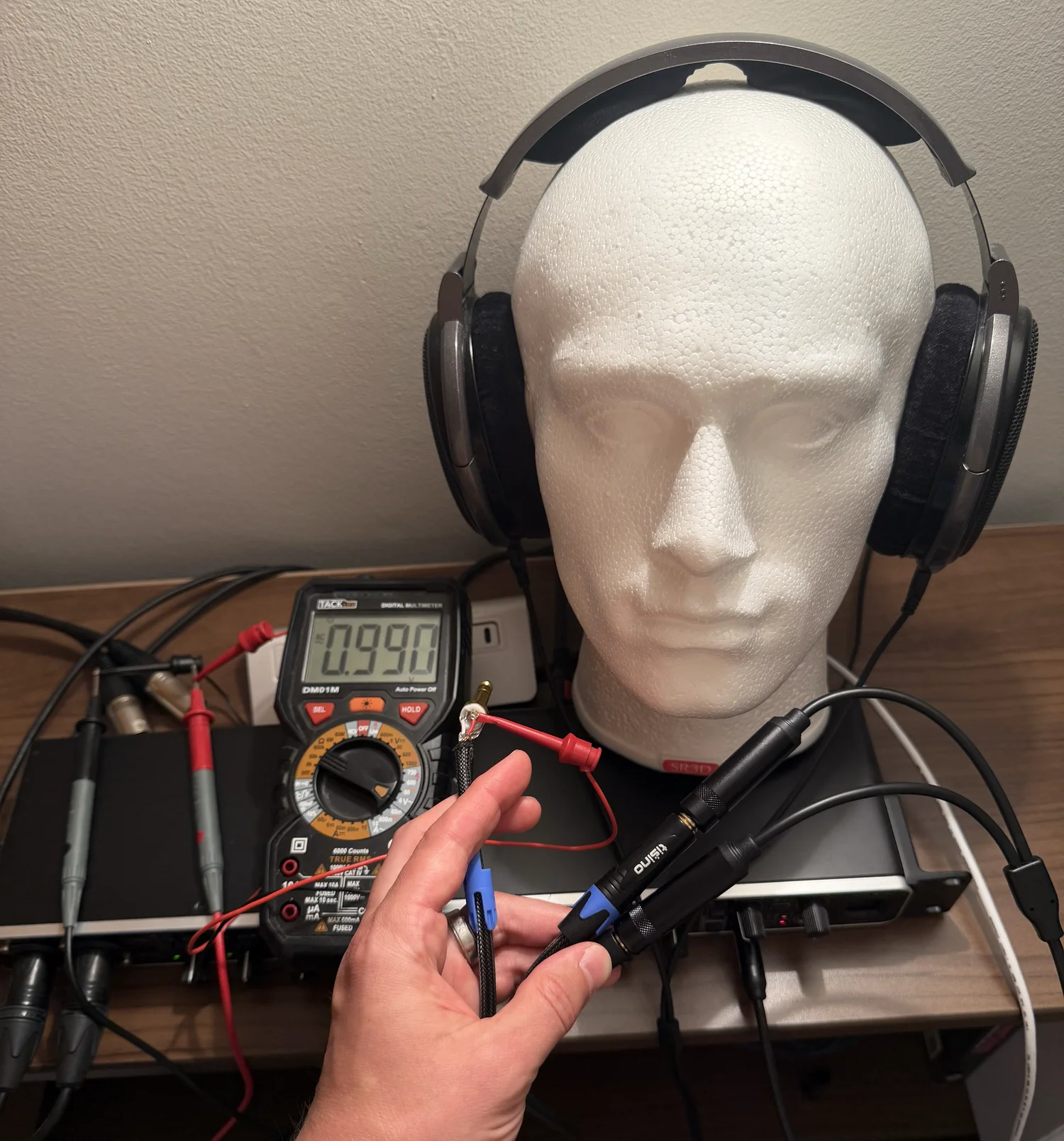
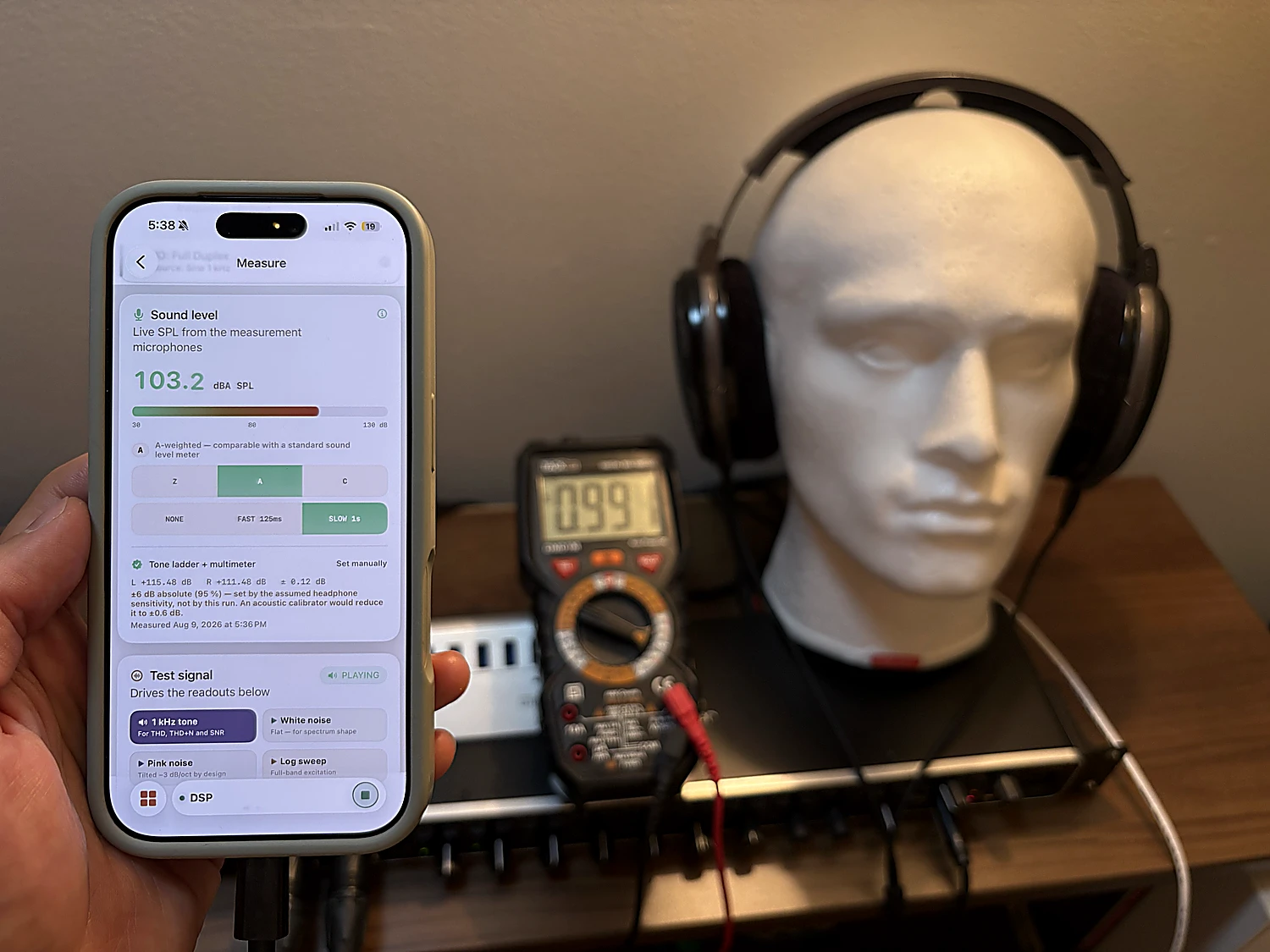
An SR3D dummy head with a capsule at each ear canal, a Behringer UMC1820, and a true-RMS meter reading the loaded headphone terminals. The photographed 0.990 V RMS at 1 kHz maps to a nominal 102.9 dB SPL — and each ear is solved separately.
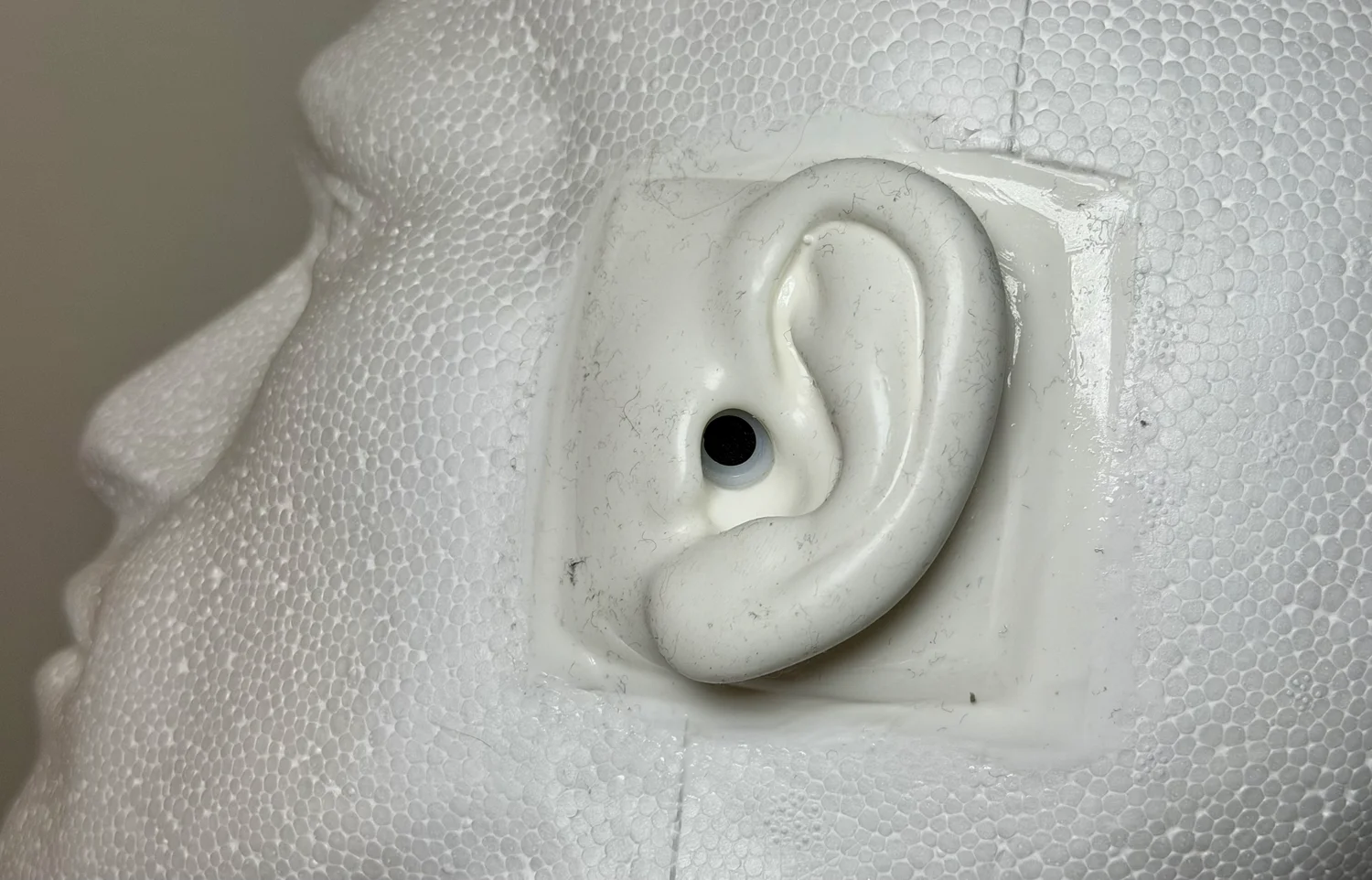
You cannot measure a headphone by pointing a microphone at it. Its response only exists against an ear: the pad seal sets the bass, the pinna and ear canal impose resonances worth 10–15 dB in the treble, and the two cups seal differently on any real geometry. This rig puts a Primo EM272 capsule at the entrance of each silicone ear canal.
The SR3D is a binaural dummy head, not a standardized HATS or an IEC ear simulator — its fixture is realistic and repeatable, but its absolute response is not interchangeable with an industry-standard coupler. And the two ears are genuinely different instruments, so every result is a pair: Biquadia runs an independent analyzer per ear and never mixes them to mono, because summing two coherent-but-different responses would comb-filter the result and invent nulls present in neither ear.
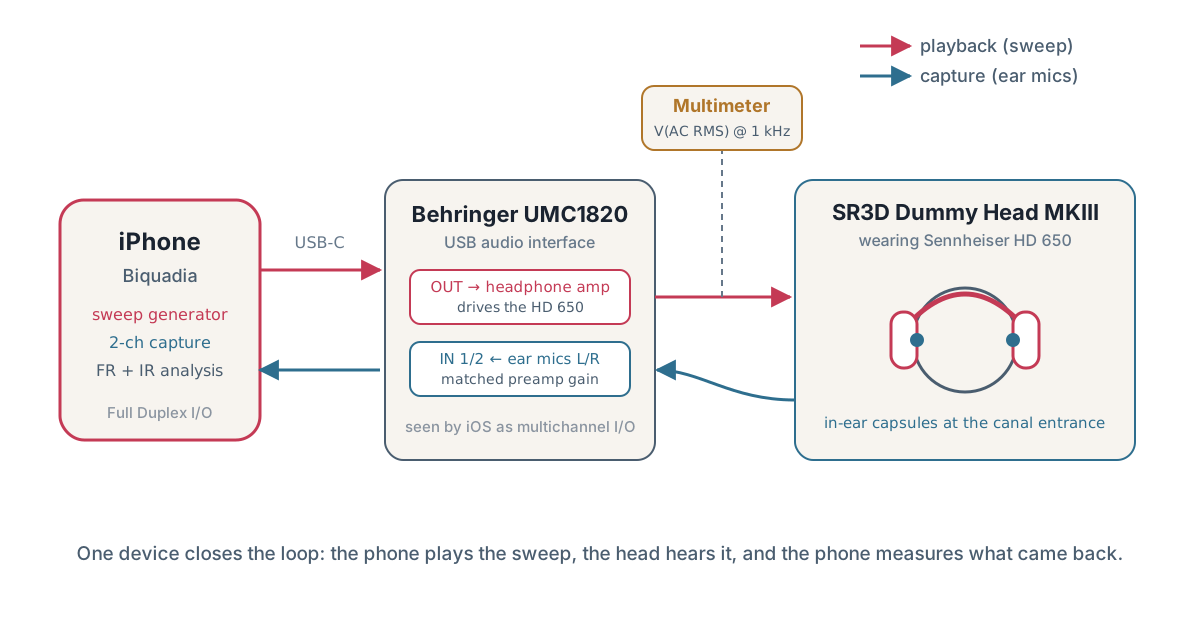
Playback descends one route: iPhone → USB-C → UMC1820 DAC and phones amp → HOSONGIN ¼″ TRS Y-splitter → HD 650. Capture climbs the other: ear canal → EM272 capsule → UMC1820 preamp and ADC → iPhone. The meter observes one loaded headphone channel at the splitter; it is not in the audio path.
Four rules make it work: the HD 650 goes into the MAIN phones output, not an auxiliary pair; left ear → input 1 and right ear → input 2; both the preamp gain and the phones-output level are locked, because moving either silently invalidates the fitted offset; and the I/O mode is Full Duplex, because measurement plays a signal out and captures the response at the same time.
Sennheiser specifies the HD 650 at 103 dB SPL for 1.00 V RMS at 1 kHz, nominal impedance 300 Ω. That is the manufacturer's specification at the 1 V reference condition, not a quantity with units of dB/V. Measuring the loaded voltage gives this fixed chain an electrically referenced anchor.
At the photographed 0.990 V RMS, the nominal level is 103 + 20·log₁₀(0.990/1.00) ≈ 102.9 dB SPL. Labelled nominal on purpose: that figure is the manufacturer's sensitivity times the photographed voltage, and it does not prove that this particular driver, pad seal and dummy ear produce exactly 102.9 dB. Those factors set the method's absolute uncertainty.
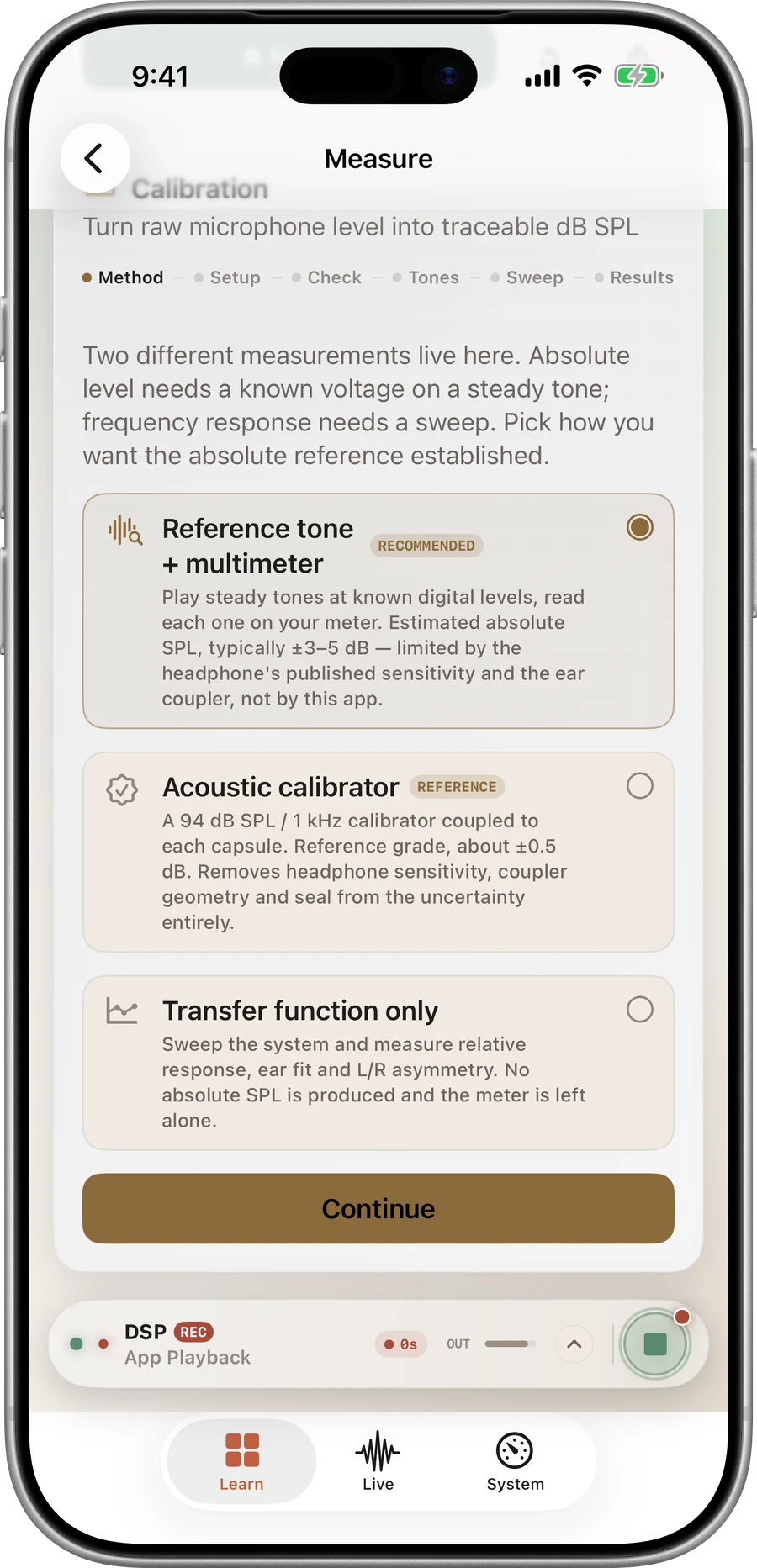
Each ear has its own pinna casting, capsule, preamp channel and seal, so the two transfer functions genuinely differ. Biquadia solves each ear separately. The photographed run produced calibration offsets of L +115.48 dB / R +111.48 dB — these are the constants that map that ear's dBFS captures to an indicated dB SPL, not microphone readings. The original wizard screenshot in the full note shows reading 1 of 6: a 1000 Hz tone at −6 dBFS playing, capture complete, 0.529 V AC entered.
The six-rung ladder tests whether the transfer is linear and reports the residual fit: ±0.12 dB for this run, against a separate ±6 dB absolute (95%) method estimate. The internal fit is not the absolute uncertainty — it cannot remove uncertainty in the HD 650's unit sensitivity, pad seal, dummy-ear geometry or capsule response. A scalar 1 kHz offset does not make a broadband or weighted level traceable.
A voice begins centre-front, moves to the right ear, crosses to the left, then returns to centre-front. The capture has a +26 dB gain raise applied equally to both ears, so the interaural level differences survive intact. Start at a low volume, then wear headphones to hear the spatial pinna transfer function.
The WAV retains the native left/right transfer functions — do not sum them to mono. Download the gained 48 kHz / 16-bit WAV (2.3 MB)
04Studio · how the work gets made
Small surface area. Direct feedback from real hands. Enough rigor to last, enough speed to stay alive. Craft over clutter.
Find the repeated annoyance, the expert workflow, or the tiny moment everyone else decided was too small to deserve software. Thats where leverage lives.
The best version is rarely the biggest. It is the one whose purpose survives every subtraction. Ship half the features, twice the craft.
A shipped product teaches more than a perfect prototype. Release, listen, refine, repeat. Telemetry is conversation, not surveillance.
05On device · where each app runs
Most of the apps run their models on the phone — CoreML on the Neural Engine, llama.cpp on Metal, classifiers on-device. Where an app reaches past the phone it says so in its own technology line: AuraLinter's agents run over FastAPI + SSE while its capture stays on-device. The list below quotes each app's line from the catalog, verbatim.
CoreML · Neural Engine (ANE) · Metal Shaders · Native Swift
llama.cpp · Metal GPU · Offline LLM
Semantic Indexing · Vector Embeddings · Offline CoreML
SmolLM2-360M · llama.cpp · Metal on-device
LangGraph · Production RAG · clang++ Verified · FastAPI + SSE · On-device Capture
One honest live measurement
10,000 RBJ biquad evaluations in —
Timed in this browser with rbjCoeffs from src/lib/dsp.ts — the same solver the biquad filter designer and the console run. Each evaluation alternates peaking/lowpass across frequency, Q and gain; the printed time is the median of three trials. It is a measurement of your machine, not a prediction, and nothing is stored or sent.
06Contact · say hello
Start with a question, not a form. The Lab's console solves room modes, biquad filters, VRAM budgets and more in your browser — try one, then tell us what you are building.