Build log / 004
Inside Biquadia: On-Device Audio Lab
How privacy, real-time constraints, and the character of physical sound shaped MakerPortal’s newest release.

Joshua HriskoPrincipal Engineer
5 min readSan Francisco, CA
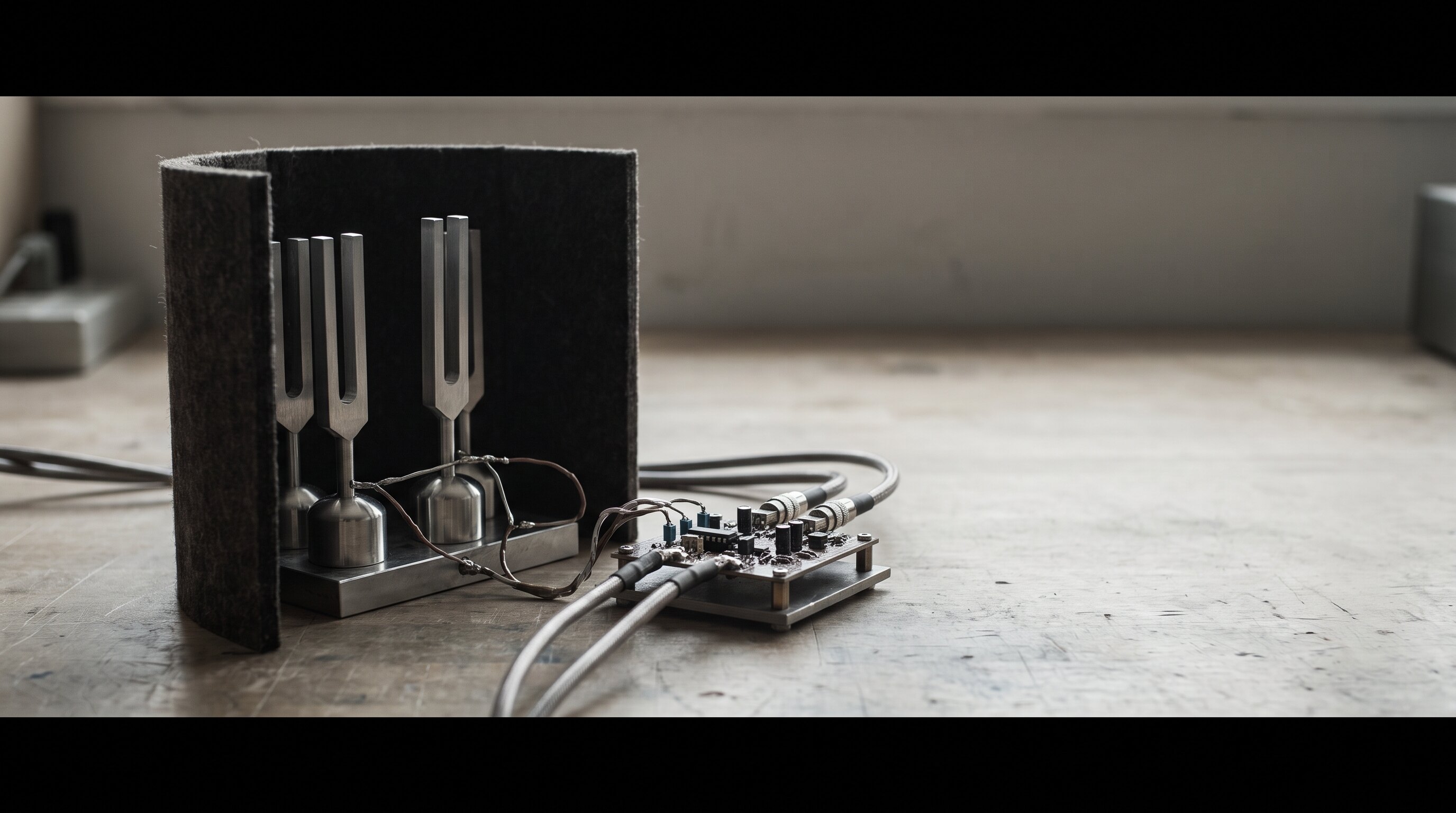
Biquadia began with a simple tension: professional audio tools are powerful, but they often assume a studio desk, a laptop, and time to configure the environment. The phone already has microphones, accelerometers, serious compute, and an extraordinary display. What would an audio laboratory look like if it began there?
The answer was not to shrink desktop software. It was to build around the device’s actual strengths.
Real time changes everything
Audio code has a hard deadline. If a frame arrives late, the interface cannot hide it with a loading state. The result is audible.
That constraint shaped the architecture: a focused native interface around a C++ DSP core, careful separation between real-time work and presentation, and measurement tools that remain useful without destabilizing the signal path.
Privacy as an architectural choice
Microphone data is unusually intimate. Biquadia processes it locally and keeps analysis on-device. That decision reduces the surface area of the system while making the product more trustworthy.
It also makes the experience more immediate. No upload, no round trip, no dependency on a server remaining available. The instrument responds because the instrument is already in your hand.
A tool should invite depth
Biquadia is technical by design, but technical does not have to mean hostile. The interface exposes serious concepts—spectra, filters, spatial processing, dynamics—through a system meant to reward exploration.
The larger experiment is whether expert capability and a welcoming surface can occupy the same product. Biquadia is our current answer.
Want to see the frequency-domain math behind that spectral view without opening the app? The Fourier epicycles playground runs the same discrete Fourier decomposition on a 2D drawing instead of an audio signal — draw a shape, watch it resolve into the same rotating-circle frequency components. And for the DSP core itself, the biquad filter designer reproduces the exact Direct-Form-II-Transposed filter Biquadia ships, with a live Web Audio preview.
For real-world hardware applications of Biquadia, see our field builds: real-time acoustic beamforming on an iPhone with the miniDSP UMA-8 and measuring headphone response with a binaural dummy head and multimeter.
Recommended Studio & Hardware Gear
Affiliate links support independent R&DTested studio equipment and reference hardware utilized for this build. Product images & pricing sourced from Amazon Creators API / SparkFun Electronics.
 $105Microphone
miniDSP UMA-8 USB Microphone Array
7-element MEMS microphone array with onboard XMOS DSP for raw channel output and real-time spatial audio / beamforming research.
 $29.10Book
Real-Time Systems
Schedulability Theory: hyperbolic bound, SRP, and response-time analysis R_i = C_i + Σ⌈R_i/T_j⌉ C_j — formulas this scheduler evaluates to predict deadline misses before Gantt draws them.
 $530Apparatus
SR3D® Dummy Head MKIII
Binaural dummy head acoustic fixture with anatomical silicone pinnae and Primo EM272 electret capsules for HRTF and headphone measurement.
 $9.99Audio
Comimark 1Pcs ADMP401 MEMS Microphone Breakout Module Board for Arduino Universal 1.3cm*1cm
MEMS mic breakout used for real-time DSP experiments feeding into Biquadia.
 $8.99Audio
SABRENT USB External Stereo Sound Adapter for Windows and Mac. Plug and Play No Drivers Needed. (AU-MMSA)
USB audio interface used in early Biquadia MEMS-mic prototyping.
Prices shown were retrieved from the Amazon Product Advertising API on 19 July 2026 and are indicative only — the price and availability on Amazon at the time of purchase apply.